




Innerspark.us – The best website builder for illustrator portfolios is Adobe Portfolio for its seamless Creative Cloud integration, or Squarespace for its superior design aesthetics and high-quality image rendering.
Choosing the right platform to showcase your illustrations requires a delicate balance between visual fidelity and ease of use. As an illustrator, your website acts as your primary storefront, gallery, and professional resume. Unlike generic business sites, an illustrator’s portfolio must prioritize color accuracy, fast loading times for high-resolution images, and a clean interface that does not distract from the artwork itself.
Why Image Handling Matters
The most critical factor for an illustrator is how the website builder processes image files. Some platforms aggressively compress images to save server space, which often results in pixelation, color banding, or a loss of detail in intricate line work. You need a platform that supports retina-ready displays and preserves the integrity of your original files. Furthermore, the ability to organize your work into clear, thematic galleries is essential for art directors who want to see a cohesive style rather than a disorganized archive.
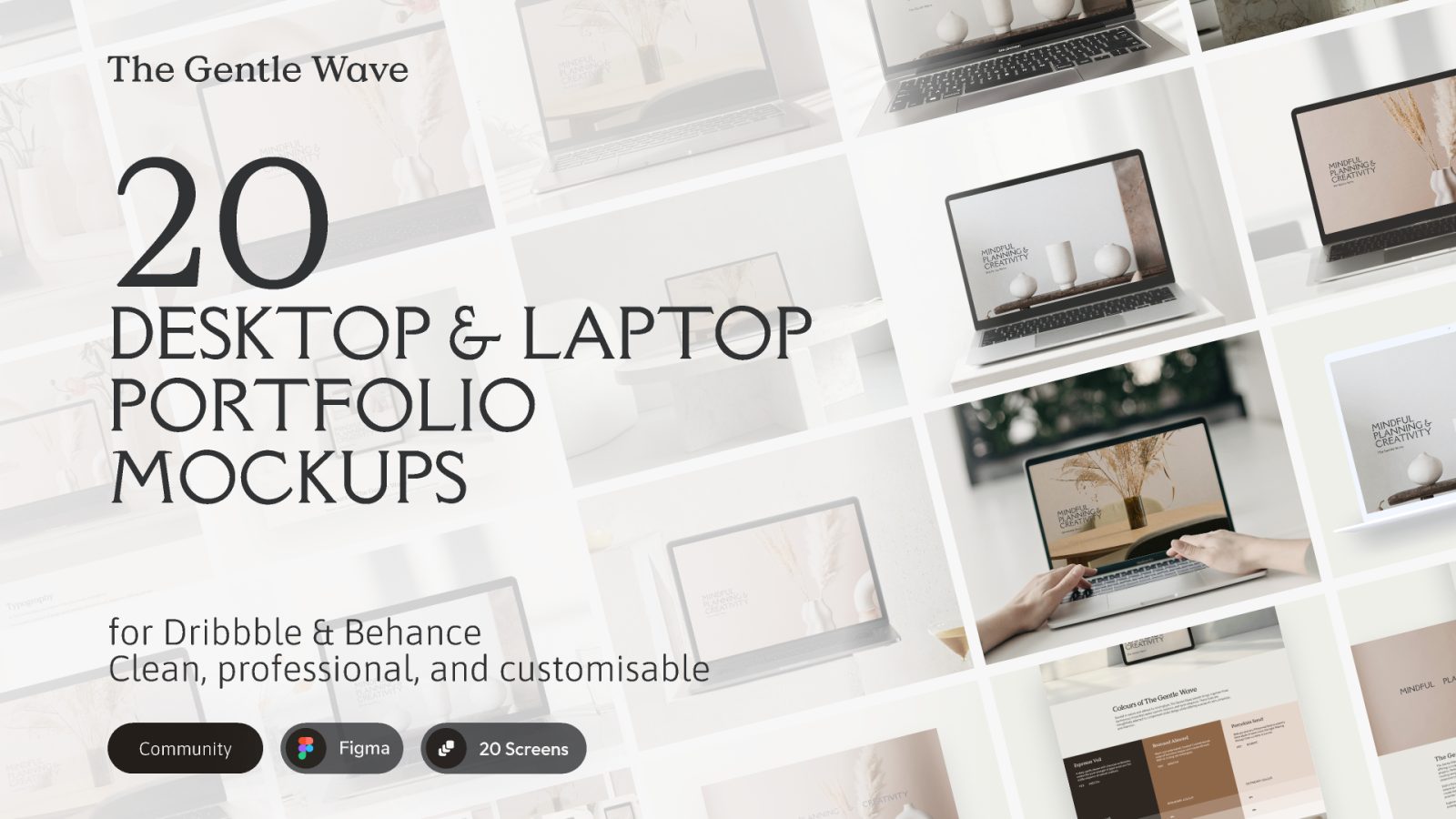
📷 Photo by figma.com
Key Comparison of Top Portfolio Builders
| Platform | Best For | Key Advantage | Pricing Structure |
|---|---|---|---|
| Adobe Portfolio | Creative Cloud Users | Included with CC subscription | Free (with CC) |
| Squarespace | Design-Heavy Portfolios | Stunning, high-end templates | Monthly subscription |
| Format | Professional Illustrators | Built specifically for artists | Tiered subscription |
| Wix | Customization Enthusiasts | Drag-and-drop flexibility | Freemium model |
Critical Features to Look For
When evaluating these tools, look beyond the initial visual appeal. A common mistake is choosing a platform that looks beautiful on a desktop but fails to provide a smooth experience on mobile devices. Since many art directors and potential clients view portfolios on tablets or phones, responsive design is non-negotiable. Additionally, look for built-in SEO tools that allow you to add alt-text to your images, which is vital for appearing in image-based search results.
Another often overlooked feature is client proofing. If you intend to take on freelance commissions, having a password-protected area where clients can review drafts or final files is incredibly valuable. This eliminates the need for third-party file-sharing services and keeps your professional brand consistent throughout the entire project lifecycle.
Step-by-Step Guide to Building Your Portfolio
- Curate your best work: Select 10 to 15 high-quality pieces that represent the specific style you want to be hired for. Do not show everything you have ever drawn; prioritize quality over quantity.
- Choose your domain name: Register a professional domain that matches your name or your brand. Avoid using the builder’s subdomain (e.g., yourname.wixsite.com) as it looks less professional to prospective clients.
- Setup your gallery structure: Organize your work into categories like “Editorial,” “Character Design,” or “Personal Projects” to help visitors navigate your strengths quickly.
- Optimize image files: Before uploading, resize your illustrations to the builder’s recommended dimensions and export them in a web-optimized format (usually JPEG or WebP) to ensure fast loading speeds.
- Add a clear contact path: Place a “Contact” or “About” link prominently in your navigation menu so potential clients can reach you with minimal friction.
Common Mistakes to Avoid
Many illustrators fall into the trap of over-designing their website. Remember that your art is the star of the show. Avoid complex animations, music players, or cluttered sidebars that distract from the visuals. Another mistake is neglecting the “About” page. Clients want to know who they are hiring. Include a brief, professional bio, a high-quality photo of yourself, and a clear statement about the type of work you are currently available for.
Furthermore, failing to update your portfolio is a silent career killer. A portfolio that hasn’t been touched in three years signals to clients that you may not be active or interested in new work. Aim to audit your site every six months to swap out older pieces for more current, polished projects.
Evaluating Performance and Security
Security is another concern, especially if you plan to sell prints directly from your site. Ensure the platform offers SSL certificates, which are essential for keeping user data secure and maintaining your site’s ranking on search engines. A platform that provides reliable uptime ensures your portfolio is accessible 24/7, preventing any missed opportunities for potential commissions.
If you are a beginner, Adobe Portfolio is often the best starting point because it requires no extra investment if you already pay for Photoshop or Illustrator. However, if you are looking for a more robust e-commerce integration to sell merchandise or prints, Squarespace offers superior tools for managing orders and inventory alongside your portfolio.
Frequently Asked Questions
Q: Is it better to use a dedicated portfolio builder or a general website builder?
A: For illustrators, dedicated portfolio builders like Format or Adobe Portfolio are generally better because they are optimized for image-heavy layouts, whereas general builders often require more complex customization to achieve the same look.
Q: Should I include personal sketches in my professional portfolio?
A: Only include personal work if it aligns with the commercial style you are trying to sell. If the sketches show a different technical skill or creative range that you want to be hired for, they can be a great addition; otherwise, keep the focus on your strongest commercial work.
Q: Do I need a custom domain for my portfolio?
A: Yes, a custom domain is essential for long-term branding and professional credibility. It makes you easier to find and suggests a higher level of commitment to your career as an illustrator.
Ultimately, the best website builder is the one you actually use to keep your work updated. Spend time testing the interfaces of these platforms during their trial periods. If the backend process feels cumbersome, you will be less likely to update your site. Choose the tool that fits your workflow, keeps your images looking crisp, and makes the path from “viewer” to “client” as short as possible.
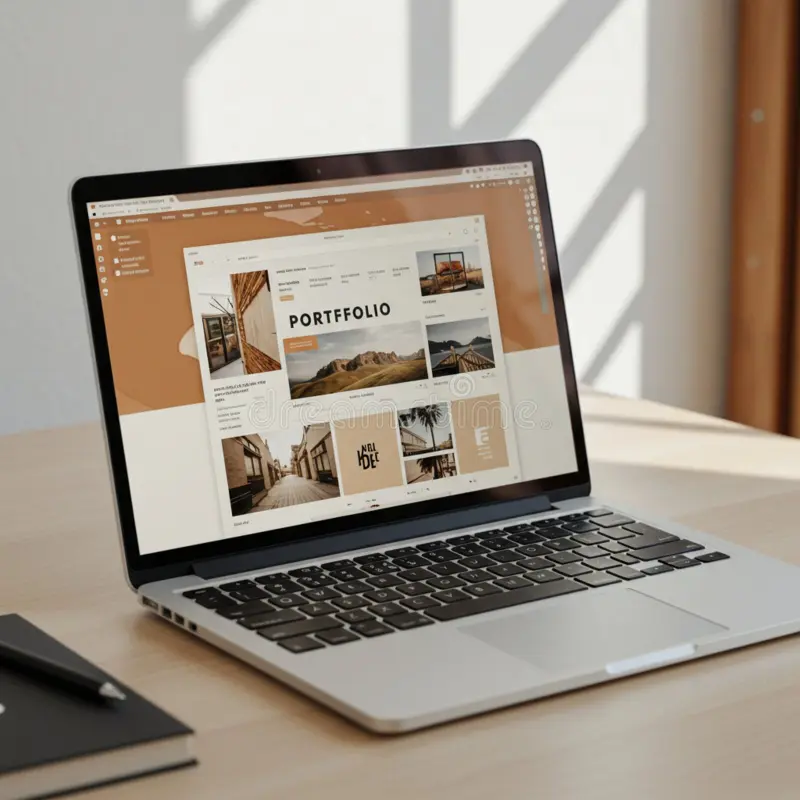
📷 Photo by dreamstime.com