




Innerspark.us – The best digital drawing tablet for a beginner is typically a pen tablet (non-screen) if you are on a strict budget, while a pen display (screen tablet) is superior if you prioritize intuitive hand-eye coordination and a faster learning curve.
Choosing your first drawing tablet is a pivotal moment for any aspiring digital artist. It is the bridge between your traditional skills and digital possibilities. The market is saturated with options, but the fundamental divide remains between tablets that require you to look at your monitor (pen tablets) and those that allow you to draw directly onto a screen (pen displays).
Understanding the Pen Tablet (Non-Screen)
Pen tablets are the industry standard for professionals who spend long hours at their desks. They consist of a flat, pressure-sensitive surface that maps to your computer monitor. Because you are drawing on the tablet while looking at your screen, there is a “hand-eye coordination” barrier that takes most beginners a few days to a week to overcome.
The primary advantage here is ergonomics. By looking straight ahead at a monitor, you maintain a neutral neck position, which reduces the risk of cervical strain. They are also significantly more affordable, durable, and portable. If you are just starting out, a high-quality pen tablet can last you for years without needing an upgrade.
Understanding the Pen Display (Screen Tablet)
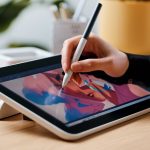
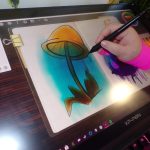
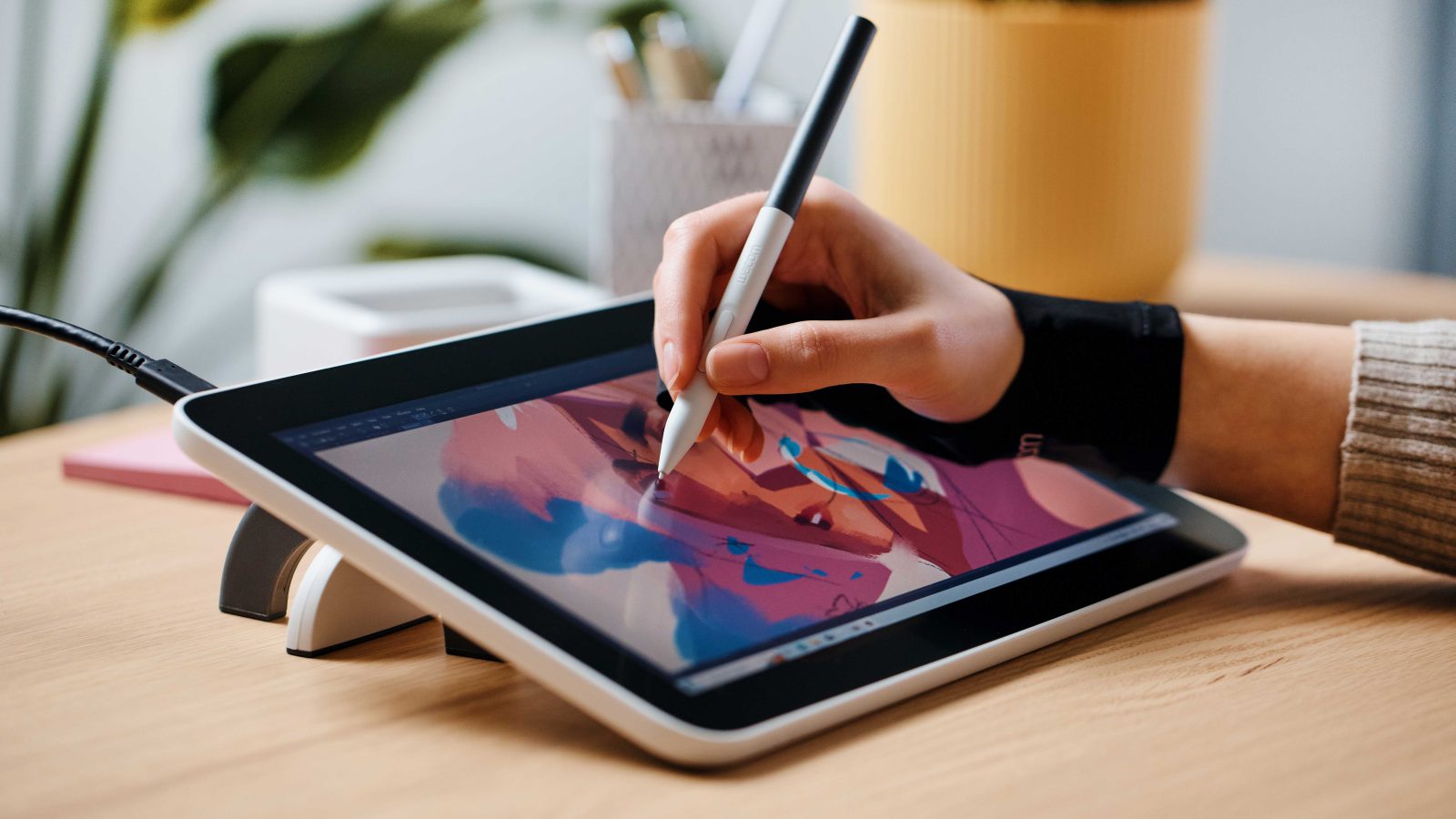
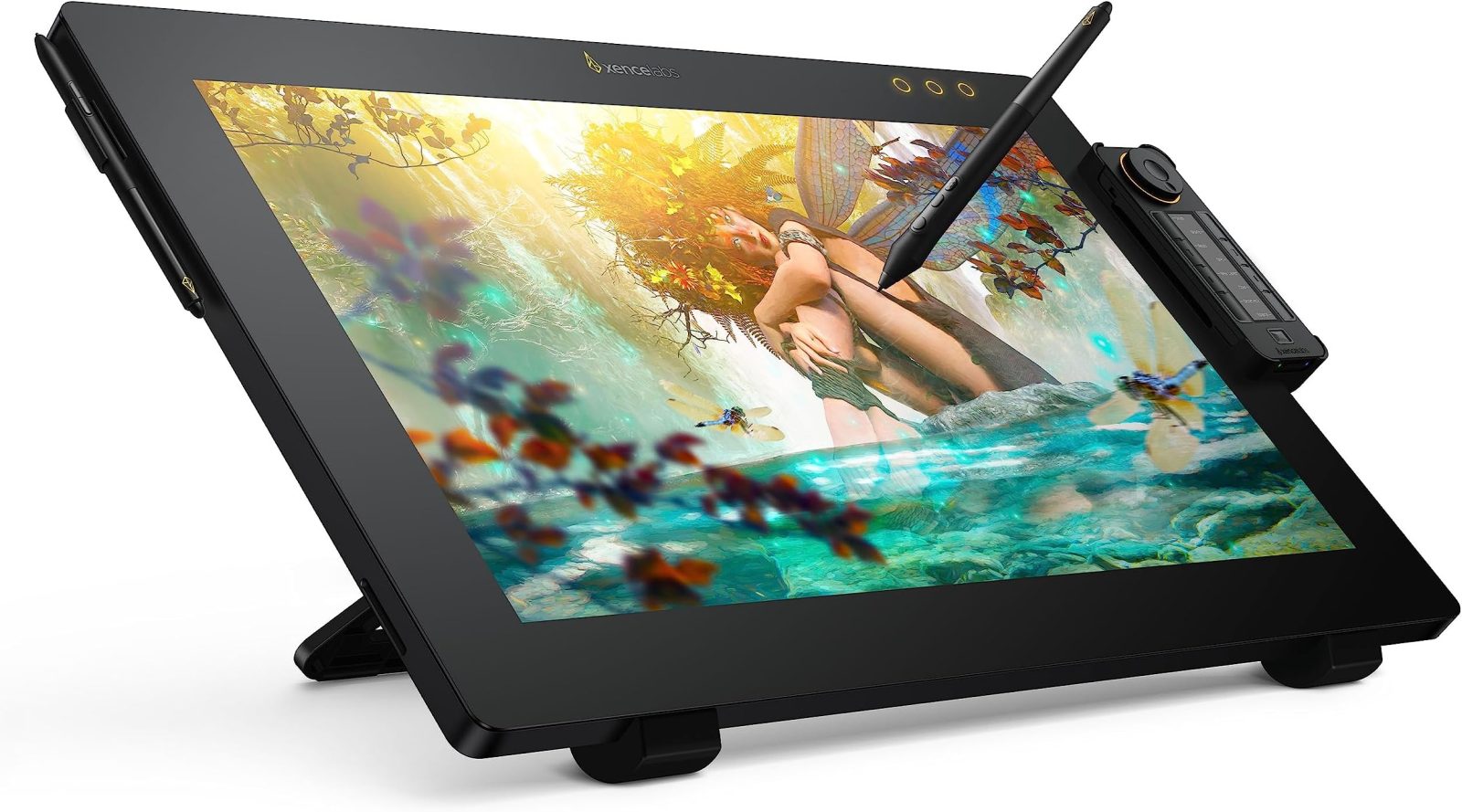
Pen displays feature an integrated LCD or OLED screen that shows your software interface directly beneath your pen tip. This replicates the feeling of drawing on paper, making the transition from traditional media to digital art nearly seamless. For illustrators who rely on precise line work or complex painting techniques, this immediate feedback is invaluable.
However, these devices come with trade-offs. They are generally more expensive, heavier, and require more cable management. Furthermore, because you are often looking down at the tablet, you may find yourself hunching over, which can lead to posture issues if not managed with an adjustable stand.
Comparison of Tablet Types
| Feature | Pen Tablet (Non-Screen) | Pen Display (Screen Tablet) |
|---|---|---|
| Learning Curve | Moderate (Requires hand-eye coordination) | Low (Intuitive, paper-like) |
| Price Range | Affordable ($40 – $200) | Premium ($200 – $1,000+) |
| Ergonomics | Excellent (Upright posture) | Variable (Risk of neck strain) |
| Portability | High | Low |
| Ideal For | Budget-conscious beginners | Illustrators and digital painters |
How to Choose the Right Device for Your Workflow
Before purchasing, you must evaluate your current setup and long-term goals. If you already own a high-resolution monitor, a pen tablet is a cost-effective way to get started. If you struggle with the disconnect between your hand movement and the screen cursor, saving up for a pen display will likely save you from early frustration.
Follow these steps to ensure you make the right investment:
- Assess your workspace: Do you have room for an extra monitor, or is your desk space limited?
- Determine your software needs: Ensure your computer meets the minimum RAM and processor requirements for the digital art software you intend to use.
- Check compatibility: Verify that your tablet drivers support your current operating system (Windows, macOS, or ChromeOS).
- Test the pen pressure: Look for tablets that offer at least 8,192 levels of pressure sensitivity to ensure your strokes feel natural.
- Start with a reputable brand: Stick to established manufacturers to ensure you have access to driver updates and customer support.
Common Mistakes Beginners Make
One of the most frequent errors beginners make is assuming that the most expensive tablet will automatically make them a better artist. Hardware is merely a tool. A talented artist can create a masterpiece on a basic $40 tablet, while a beginner may struggle on a $2,000 professional display if they haven’t mastered the fundamentals of digital brushes and layering.
Another common mistake is ignoring the importance of surface texture. Many screen tablets have very smooth glass surfaces, which can feel slippery like drawing on a mirror. If you find this difficult, consider purchasing a matte screen protector, which adds a slight “tooth” or resistance to the surface, mimicking the friction of paper.
The Role of Ergonomics and Health
Digital art is a sedentary activity. Whether you choose a screen or non-screen tablet, you must be mindful of your physical health. Repetitive strain injury (RSI) is a real risk for digital artists. Ensure your chair provides adequate lumbar support and that your tablet is positioned at a height where your shoulders remain relaxed.
If you choose a pen display, invest in an adjustable stand. Being able to tilt your tablet to a comfortable angle will significantly reduce the strain on your neck and wrists during long drawing sessions. Never compromise on your comfort for the sake of a “cool” setup.
📷 Photo by amazon.com
Frequently Asked Questions
Q: Do I need a powerful computer to use a drawing tablet?
A: Most drawing tablets do not require a high-end computer, but your creative software does. As long as your PC can run programs like Photoshop, Krita, or Clip Studio Paint smoothly, your tablet will function perfectly.
Q: Is it hard to switch from a non-screen tablet to a screen tablet later?
A: Not at all. In fact, many professionals use both. They use a large pen tablet for sketching and general navigation, and switch to a pen display for detailed fine-tuning and coloring.
Q: Should I buy a wireless tablet?
A: Wireless connectivity is convenient for a clean desk, but it can sometimes introduce minor lag or require battery management. For beginners, a reliable wired connection is often more stable and removes the anxiety of your tablet dying in the middle of a project.
Ultimately, the best tablet is the one that gets you excited to sit down and create. If you are on a strict budget, do not let the lack of a screen deter you; the skills you develop on a standard pen tablet are fully transferable to high-end displays in the future. Focus on your craft, practice your line work daily, and the hardware will simply become an extension of your hand.
📷 Photo by digitalcameraworld.com