



Innerspark.us – Effective drawing tablet cable management is achieved by combining cable sleeves, under-desk mounting trays, and strategic device placement to eliminate tangles and prevent accidental hardware strain. By centralizing your power and data connections, you create a clutter-free workspace that minimizes physical interference while you work on digital illustrations.
The Hidden Cost of Cable Clutter
📷 Photo by dreamstime.com
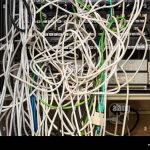
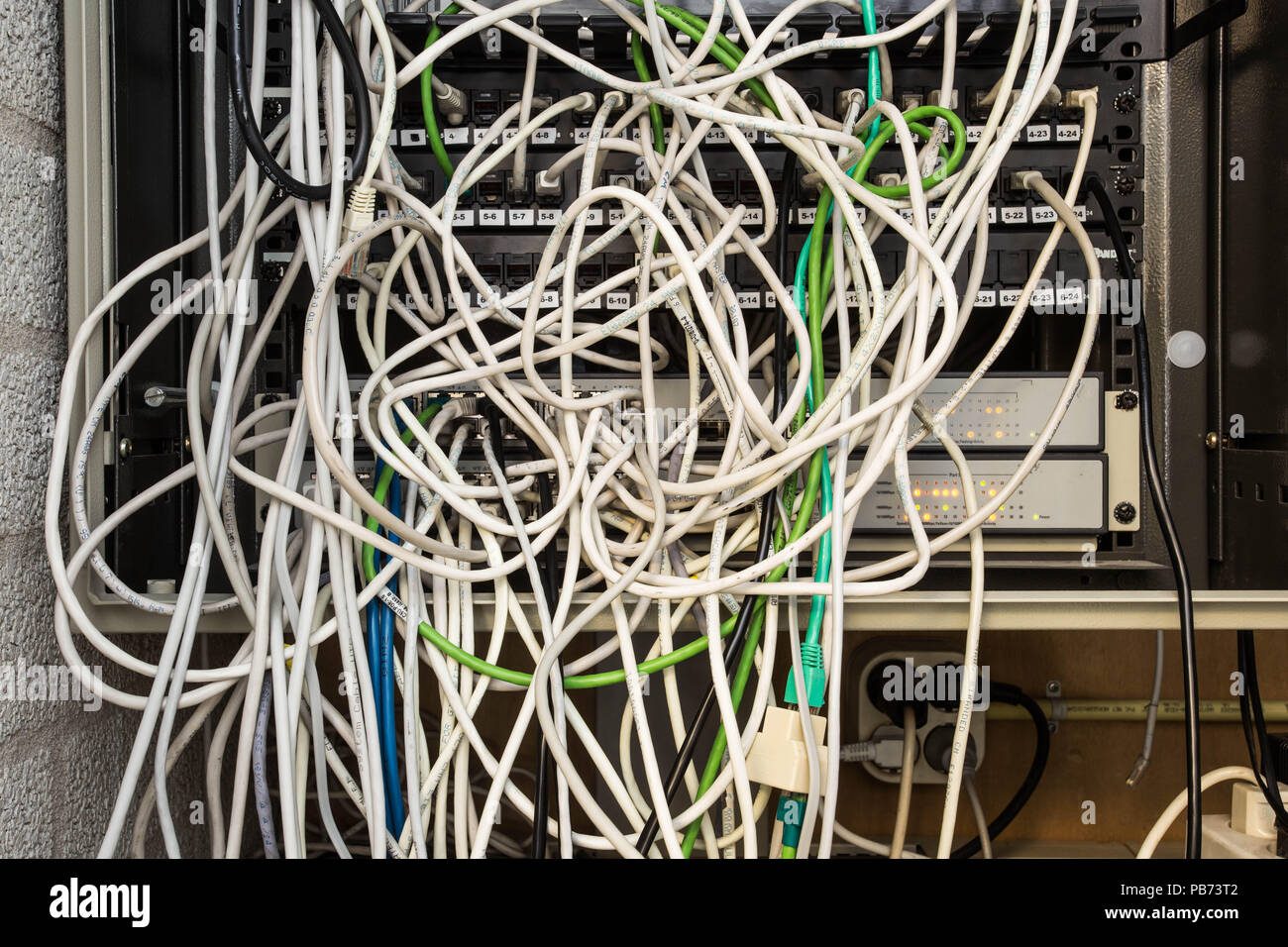
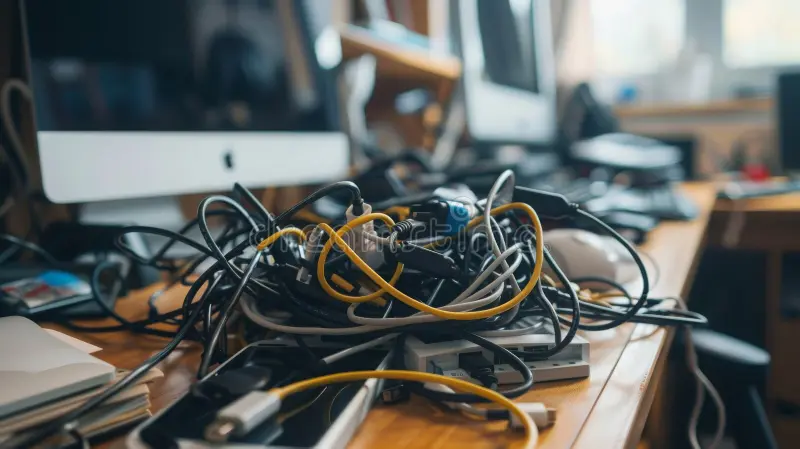
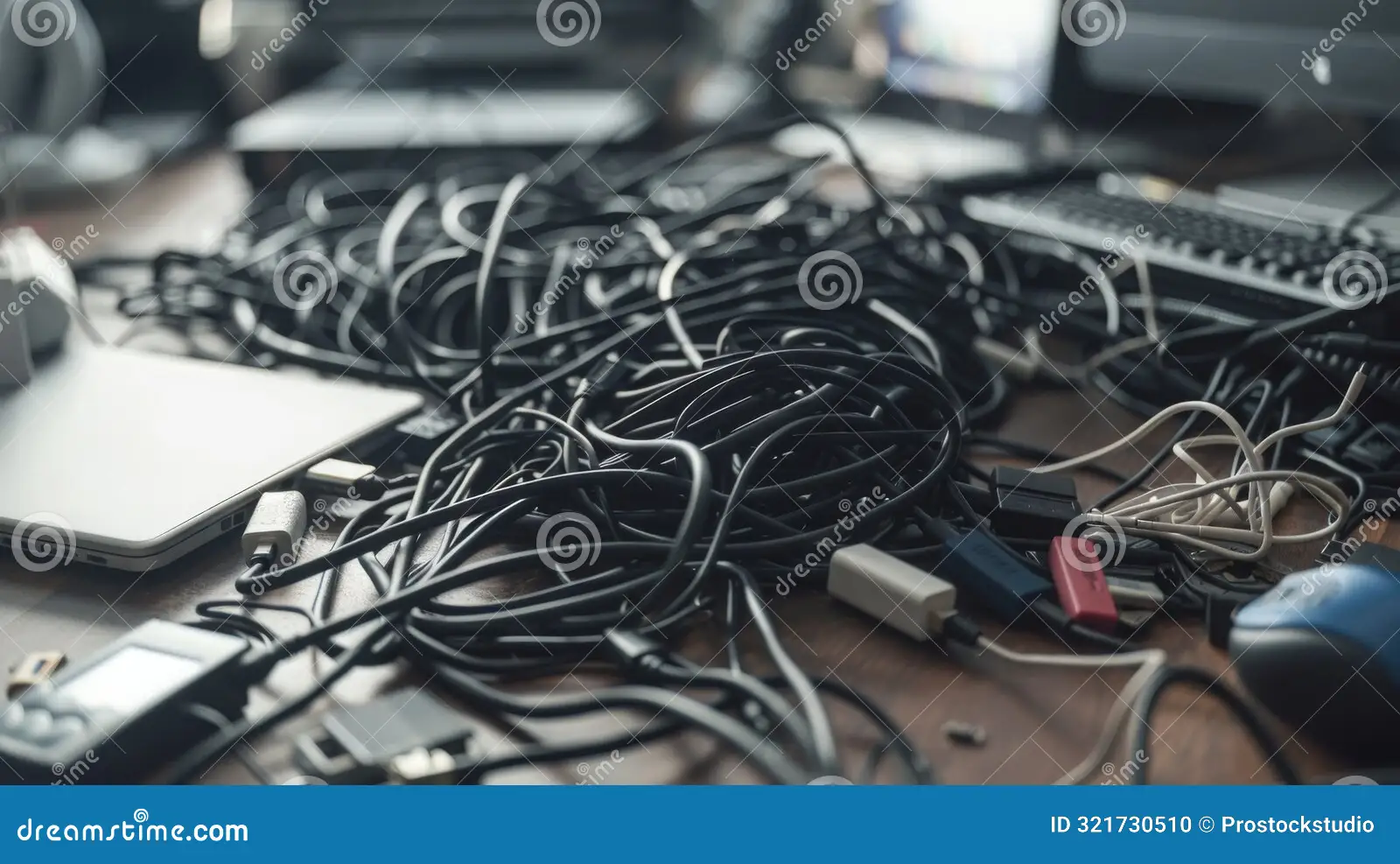
Professional digital artists often overlook the impact of a disorganized desk on their creative output. When your drawing tablet cables are tangled or draped across your workspace, they create friction points that can disrupt your hand movements. More importantly, loose cables are prone to snagging, which poses a significant risk of pulling your expensive display tablet off the desk. Managing these wires is not merely an aesthetic choice; it is a fundamental aspect of hardware protection and ergonomic health.
A disorganized cable environment also leads to increased stress. Visual clutter is a known cognitive drain, making it harder to enter a “flow state” when beginning a new project. By investing time into routing your cables, you ensure that your focus remains entirely on the canvas rather than the mess surrounding your peripherals.
Essential Tools for Cable Organization
To tackle the mess, you need the right gear. Many artists rely on a combination of cable management accessories to keep their studio desk clean. Here is a breakdown of the most effective tools for managing tablet-related hardware:
| Tool Type | Primary Function | Best Use Case |
|---|---|---|
| Cable Sleeves | Bundles multiple wires into one path | Connecting the tablet to the PC tower |
| Adhesive J-Channels | Routes cables along the desk edge | Concealing power bricks under the desk |
| Velcro Cable Ties | Secures loose loops of excess cord | Shortening long USB or HDMI cables |
| Under-Desk Trays | Houses power strips and AC adapters | Centralizing all power sources |
Step-by-Step Guide to a Tidy Workspace
Following a systematic approach ensures that your cable management is durable and easy to adjust when you add new hardware. Follow these steps to clean up your studio desk effectively:
- Disconnect all devices and clear your desk surface completely to gain a clear view of your workspace layout.
- Identify your primary power hub and mount a power strip under the back edge of your desk to keep power bricks off the floor.
- Group cables by function, separating data cables (USB-C, HDMI) from power cables to prevent signal interference and heat buildup.
- Use adhesive J-channels along the underside of the desk to guide cables toward your computer tower or laptop dock.
- Apply velcro ties to bundle excess cable length, ensuring there is enough slack for the tablet to move naturally without pulling the cord taut.
- Perform a “range of motion” test by sliding your tablet across your entire drawing area to ensure no cables are snagging or preventing full desk coverage.
Common Mistakes to Avoid
One of the most frequent errors artists make is bundling power cables and data cables too tightly. High-wattage power cables can generate heat, and grouping them with sensitive data cables may occasionally lead to electromagnetic interference. Always try to maintain a small amount of separation between your high-voltage power lines and your display data signals.
Another mistake is using zip ties for permanent setups. While zip ties are cheap, they are difficult to remove without risking damage to the delicate rubber insulation of your tablet cables. If you need to upgrade your tablet or move your desk, you will be forced to cut the ties, potentially nicking the cord. Stick to velcro ties or reusable silicone ties to ensure flexibility.
Maintaining Your Cable Setup
Once you have organized your desk, maintenance is minimal but necessary. Every few months, inspect the stress points where cables enter your tablet and your computer. Over time, constant movement can cause the internal shielding to fray. If you notice any exposed wires, replace the cable immediately rather than attempting to tape it, as a faulty cable can cause intermittent signal loss or even damage the tablet’s port.
Consider the weight of your cables as well. If your tablet cable is heavy and hanging off the edge of the desk, it creates a constant downward pull. Use a cable clip to secure a portion of the cable to the desk surface, effectively creating a “strain relief” point that takes the weight off the tablet’s connection port.
Frequently Asked Questions
Q: Will bundling my tablet cables cause them to overheat?
A: Generally, no. Modern tablet cables are well-insulated. However, avoid bundling thick power bricks together in a closed box, as these need airflow to prevent overheating.
Q: Is it better to run cables through the desk or along the wall?
A: Running cables along the underside of the desk is usually better because it keeps them attached to the furniture, allowing you to move your desk or clean the floor without disconnecting everything.
Q: How do I manage a tablet cable that is too short for my setup?
A: Use a high-quality active extension cable that supports the specific data transfer rate required by your tablet. Avoid daisy-chaining multiple cheap extensions, as this will lead to signal degradation and display flickering.
📷 Photo by dreamstime.com
By implementing these strategies, you shift your studio from a cluttered workspace into a professional environment that supports your creative process. A clean desk is not just about aesthetics; it is about creating a reliable, safe, and efficient space where your only focus is your art.
📷 Photo by alamy.com