




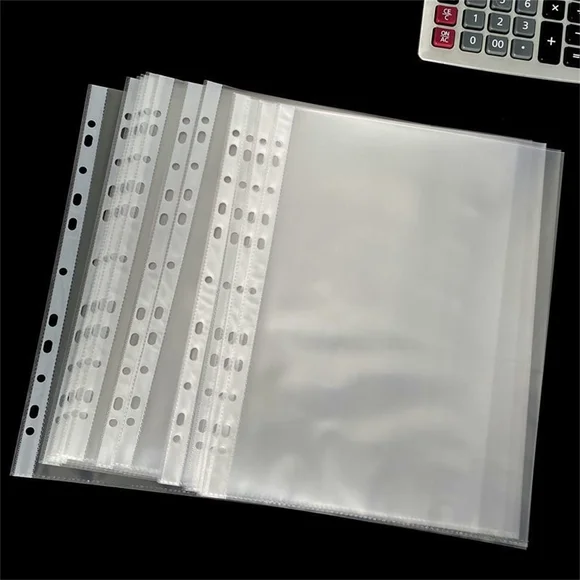
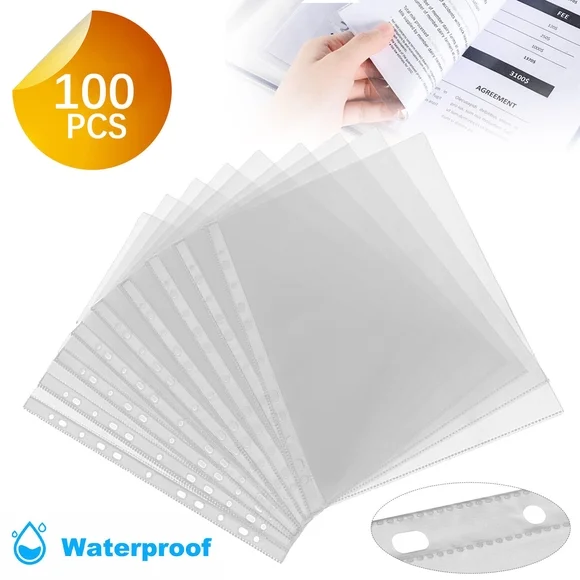
Innerspark.us – A presentation case with clear sleeves often suffers from static cling because friction between plastic layers generates an electrical charge, which can be neutralized by controlling environmental humidity, using anti-static sprays, or placing anti-static sheets between pages.
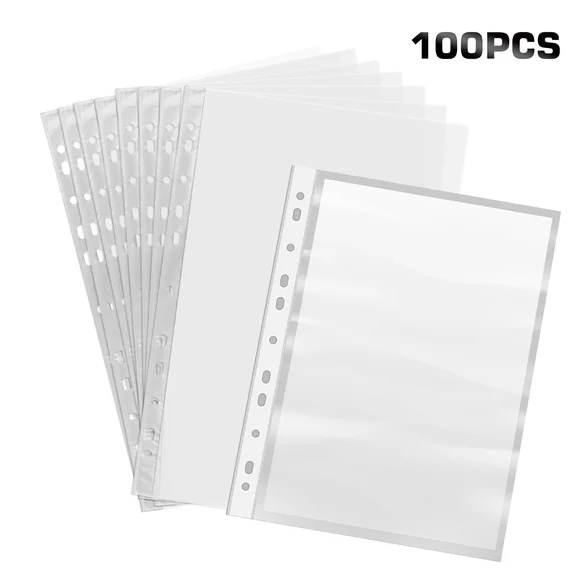
📷 Photo by walmart.com
Understanding the Mechanics of Static Cling
Static electricity is essentially a buildup of electrons on the surface of materials. When you slide a document into a clear polypropylene or PVC sleeve, the friction between the paper and the plastic causes an exchange of electrons. Because these plastics are insulators, they cannot easily dissipate this charge, resulting in the “clinging” sensation that makes inserting pages difficult and causes them to stick together permanently.
This phenomenon is most prevalent in dry environments. Humidity acts as a natural conductor, allowing static charges to bleed off into the air. When indoor humidity drops—especially during winter months when heating systems are running—the static charge remains trapped on the surface of your presentation sleeves. This not only makes the display look unprofessional due to wrinkled or stuck pages but can also damage delicate inks or toner over time if the cling is too aggressive.
Practical Steps to Eliminate Static Interference
To effectively manage and prevent static cling in your professional portfolios or presentation cases, follow these systematic steps to treat both the environment and the materials themselves.
- Assess the humidity levels in your workspace; if the air is dry, deploy a humidifier to bring the relative humidity to between 40% and 50% before handling your sleeves.
- Wipe the exterior and interior of the sleeves with a specialized anti-static cloth or a dryer sheet that has been used once, ensuring you do not leave any oily residue behind.
- Ground yourself by touching a metal object before handling the plastic to discharge any static electricity you may be carrying on your body.
- When inserting documents, use a stiff piece of cardstock as a guide to prevent the document from rubbing excessively against the inner walls of the plastic.
- Store your presentation cases in a cool, stable environment away from direct heat sources, which are the primary culprits in drying out plastic surfaces.
Comparison of Anti-Static Solutions
Choosing the right method for your specific case depends on the sensitivity of the documents inside. Below is a breakdown of common mitigation strategies.
| Method | Effectiveness | Best Use Case | Caution |
|---|---|---|---|
| Anti-Static Spray | High | Large collections | Avoid overspraying; may leave streaks |
| Dryer Sheets | Medium | Occasional use | Can leave a thin film of fragrance/oil |
| Humidifier | Very High | Studio/Office storage | Requires consistent monitoring |
| Static-Free Sleeves | Permanent | Archival storage | Higher initial investment cost |
Common Mistakes to Avoid
One of the most frequent errors users make is using standard household glass cleaners to wipe down presentation sleeves. While these cleaners might remove dust, they often contain chemicals that can accelerate the degradation of the plastic, leading to yellowing or cloudiness over time. Furthermore, rubbing the plastic too vigorously with a dry paper towel actually generates more static electricity than it removes, essentially defeating the purpose of the cleaning.
📷 Photo by walmart.com
Another mistake is stacking multiple presentation cases tightly together in a confined space. When cases are compressed, the pressure forces the molecules of the plastic sleeves into closer proximity, increasing the probability of static transfer between the layers. Always allow for a small amount of airflow between your storage cases to prevent the buildup of charges and to keep the plastic from warping.
The Role of Material Selection
Not all clear sleeves are created equal. Many budget-friendly presentation cases are made from PVC (polyvinyl chloride), which is notorious for static buildup and chemical migration. If you are preparing a high-stakes presentation, look for sleeves labeled as “archival safe,” “acid-free,” or “polypropylene.” Polypropylene is naturally more resistant to static electricity than PVC and is far less likely to react with the ink on your documents.
If you find that your sleeves are consistently prone to static, it may be an indicator that the material has reached the end of its lifespan. Plasticizers in cheaper sleeves leach out over time, leaving the material brittle and highly prone to electrical charge accumulation. Upgrading to high-quality, professional-grade sleeves is often the most cost-effective solution in the long run, as it prevents the need for constant maintenance and re-application of anti-static treatments.
Frequently Asked Questions
Q: Can I use water to neutralize static on my presentation sleeves?
A: While a slightly damp cloth can temporarily dissipate static, it is risky because moisture can get trapped inside the sleeve and cause mold or damage to your paper documents; it is better to use a dedicated anti-static product.
Q: Why does my document stick to the sleeve only in certain spots?
A: This is usually caused by “spot charging,” where friction occurred in specific areas during insertion, or because the sleeve has minor surface imperfections that create localized areas of high friction.
Q: Is there a way to prevent static before I even put the document in the sleeve?
A: Yes, by lightly misting your hands with an anti-static spray or using a grounding strap, you can significantly reduce the transfer of electrons from your skin to the plastic surface during the loading process.
Final Considerations for Professional Displays
Maintaining a professional appearance is paramount when presenting work. Static cling is not just a minor annoyance; it can be perceived as a lack of attention to detail. By implementing a routine of environmental control and material maintenance, you ensure that your work remains the focus of the audience, rather than the distracting glare and wrinkled plastic caused by static. Always test any cleaning agent on a small, inconspicuous corner of your sleeve before applying it to the entire surface to ensure it does not cloud the finish.
Read also: How to Prepare Digital Art Files for Gallery Exhibition Printing
📷 Photo by walmart.com