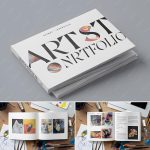




Innerspark.us – A professional PDF art portfolio for gallery submissions must be a curated, high-resolution document that balances visual impact with technical file optimization to ensure seamless viewing for gallery curators.
Creating a portfolio for gallery submissions is not merely about dumping images into a file; it is a strategic exercise in storytelling. Galleries receive hundreds of submissions, and the way you present your work often determines whether you get a second glance. The objective is to create a cohesive narrative that demonstrates your artistic voice, technical proficiency, and professional readiness.
The Anatomy of a Winning Portfolio
Your PDF should be treated as a physical exhibition in a digital format. It must be clean, easy to navigate, and focused on quality over quantity. Avoid the temptation to include every piece you have ever created. Instead, select 10 to 15 works that represent your best, most recent, and most relevant output. If you are applying for a specific theme or a group show, tailor your selection to match that aesthetic or conceptual framework.
The visual layout should prioritize the artwork. Avoid distracting backgrounds, complex textures, or overly decorative fonts. Use a minimalist design that allows the colors and textures of your work to stand out. Consistency in your layout—such as keeping captions in the same location on every page—creates a professional rhythm that makes the curator’s job easier.
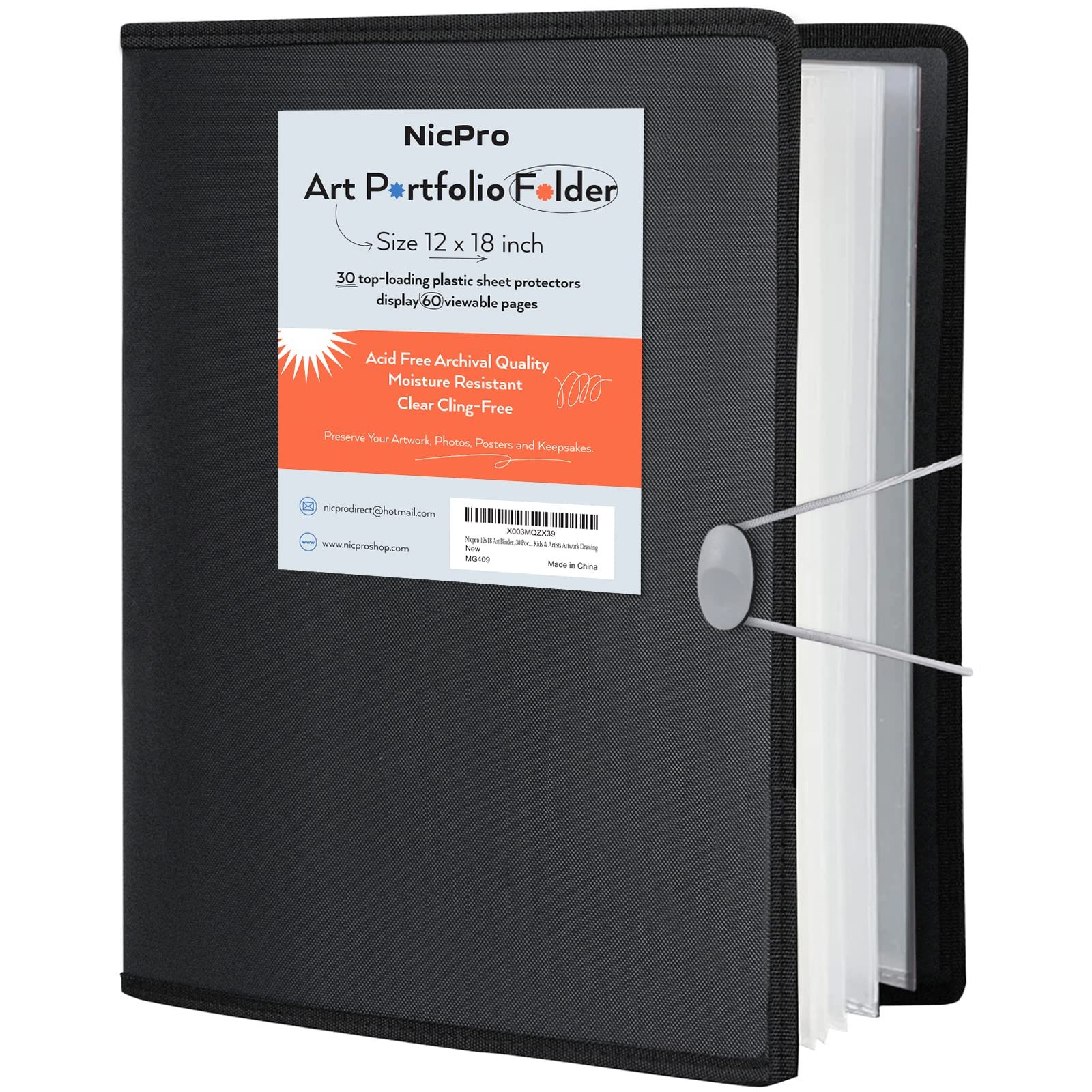
📷 Photo by amazon.co.uk
Technical Specifications and File Optimization
File size is the most common reason for rejection. If a gallery has to wait for a 50MB file to download, they may simply move on to the next applicant. Your goal is to achieve high visual clarity without exceeding a file size of 5MB to 8MB. Use professional design software like Adobe InDesign, Affinity Publisher, or even Canva to manage your document, ensuring you export it with optimized settings.
| Feature | Recommended Specification |
|---|---|
| Resolution | 150 to 300 DPI (Dots Per Inch) |
| Max File Size | 5MB to 8MB |
| Page Orientation | Landscape (best for screen viewing) |
| Color Profile | sRGB (optimized for digital screens) |
| Font Style | Sans-serif (minimalist and readable) |
Essential Content for Your PDF
Beyond the images, your portfolio needs context. Curators need to understand the intent behind your work. Your PDF should include a concise artist statement and a brief biography. Keep the statement focused on your concepts and process, and ensure your biography highlights relevant exhibitions, awards, or educational background. Every image must be accompanied by a caption containing the title, year, medium, and dimensions.
Do not forget to include a contact page at the end of the document. This should feature your website URL, email address, and social media handles. If you have a specific representation or gallery affiliation, mention that as well. This information confirms your professional standing and makes it effortless for the gallery to reach out if they are interested in your work.
Step-by-Step Guide to Portfolio Assembly
- Curate your selection: Choose your 10-15 strongest pieces that show a consistent style or conceptual thread.
- High-quality photography: Ensure all images are professionally documented with accurate color representation and sharp focus.
- Draft the supporting text: Write a short artist statement (under 300 words) that explains the “why” behind your work.
- Layout design: Use a template with consistent margins and typography to arrange your images and captions.
- Export and compress: Save your file as a PDF and use an online compressor or export settings to keep the file size under 8MB.
- Test the file: Open the PDF on a mobile device and a desktop computer to ensure fonts are embedded and images load quickly.
Common Mistakes to Avoid
One of the biggest mistakes artists make is including low-resolution images or photos taken in poor lighting. If your documentation is unprofessional, the gallery will assume your work is not ready for a professional space. Another common error is failing to follow the gallery’s specific submission guidelines. If they ask for a specific file naming convention or a maximum number of pages, follow those instructions precisely. Ignoring these details signals that you may be difficult to work with in a professional capacity.
Avoid including “works in progress” unless they are essential to your process. A gallery wants to see finished, polished works that are ready for exhibition. Also, be wary of overly chaotic layouts. If a page is too busy, the viewer’s eye will not know where to focus, and the impact of the art is lost.
The Importance of Consistency
Curators look for an artist who has a clear, recognizable voice. If your portfolio jumps from abstract expressionist painting to hyper-realistic digital illustration without a clear connection, the viewer will be confused. If you work in multiple mediums, create separate sections or even separate PDFs for each style. This allows the curator to see the breadth of your talent without feeling overwhelmed by a lack of focus.
Lastly, keep your portfolio updated. A portfolio that features work from five years ago but nothing from the current year suggests that you are not actively producing art. Regularly refreshing your PDF ensures that you are always ready to apply for opportunities as they arise.
FAQ: Common Portfolio Inquiries
Q: Should I put my CV directly into the PDF or link it?
📷 Photo by snapklik.com
A: It is best to include a condensed version of your CV within the PDF itself, usually at the end, so the curator has all the information in one place without needing to click external links.
Q: Is it okay to include pricing in my portfolio?
A: Generally, no. Unless the gallery specifically asks for a price list in the submission guidelines, keep the portfolio focused on the art and your professional history. You can discuss pricing during the follow-up meeting.
Q: How do I handle file naming?
📷 Photo by amazon.com
A: Use a professional naming convention such as “FirstName_LastName_Portfolio_2024.pdf.” This makes it easy for the gallery to organize your file in their archives.
📷 Photo by amazon.ca