


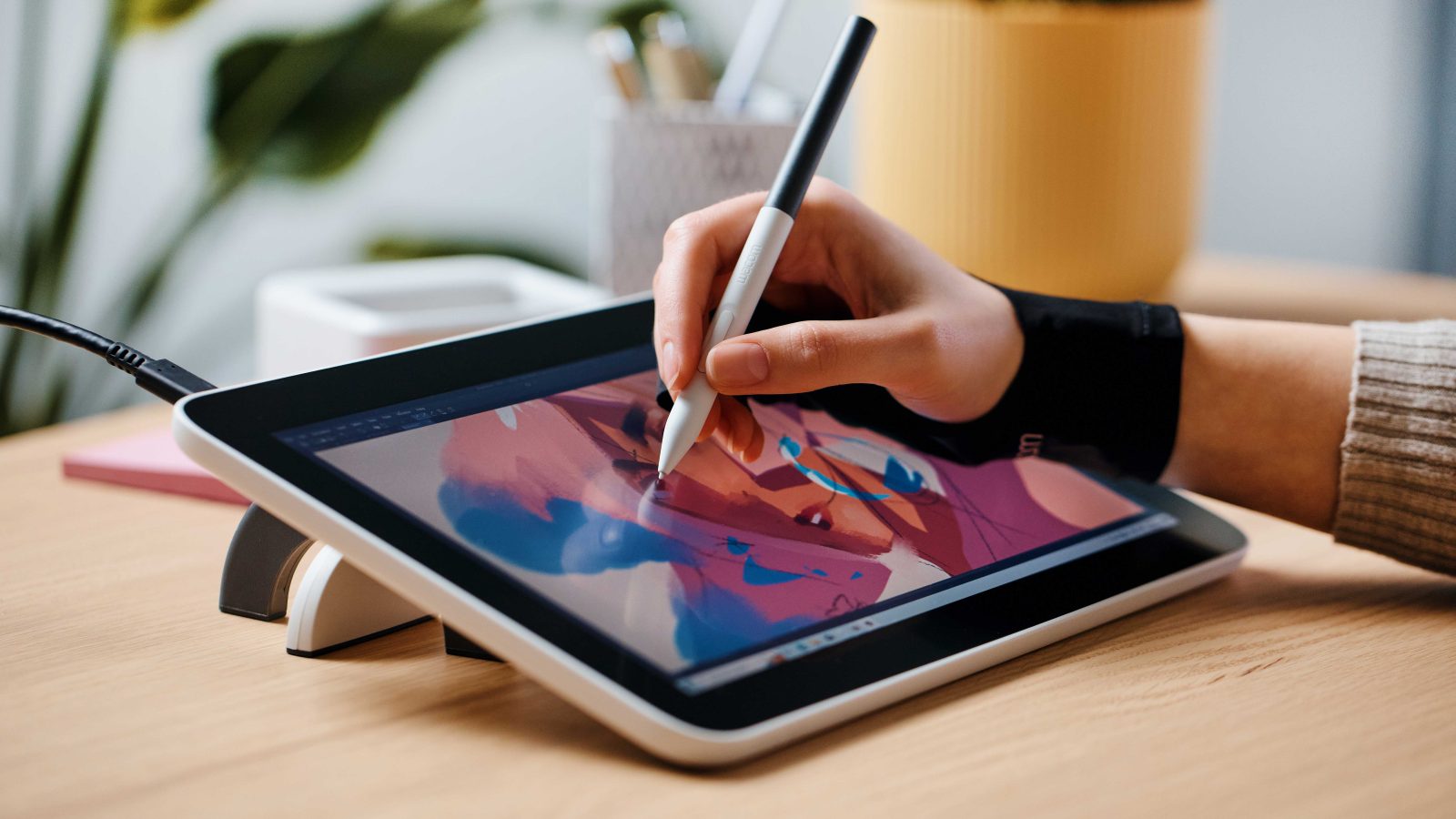
Innerspark.us – A standalone drawing tablet functions as a self-contained computer designed for digital art, whereas a PC graphic tablet acts as a peripheral input device that requires a separate computer to process software and graphics.
Choosing between these two technologies often comes down to your current hardware setup, your budget, and your specific workflow requirements. While standalone tablets offer unmatched portability, PC graphic tablets generally provide superior performance for high-end professional rendering and multitasking.
Understanding the Standalone Drawing Tablet
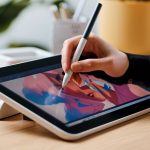
Standalone drawing tablets, such as the iPad Pro or high-end Android tablets, are essentially mobile computers. They come with their own operating system, processor, RAM, and internal storage. You do not need to connect them to a workstation to begin drawing, which makes them ideal for artists who work on the go or prefer a minimalist studio setup.
The primary advantage here is the “all-in-one” experience. You have the screen, the processing power, and the software ecosystem integrated into a single slim package. However, this convenience comes at a premium price. Since these devices contain their own computing hardware, you are paying for a computer every time you upgrade your tablet, which can become expensive over the long term.
The Case for PC Graphic Tablets
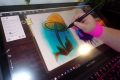
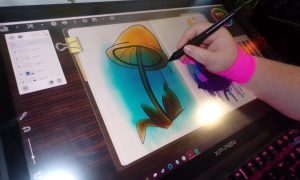
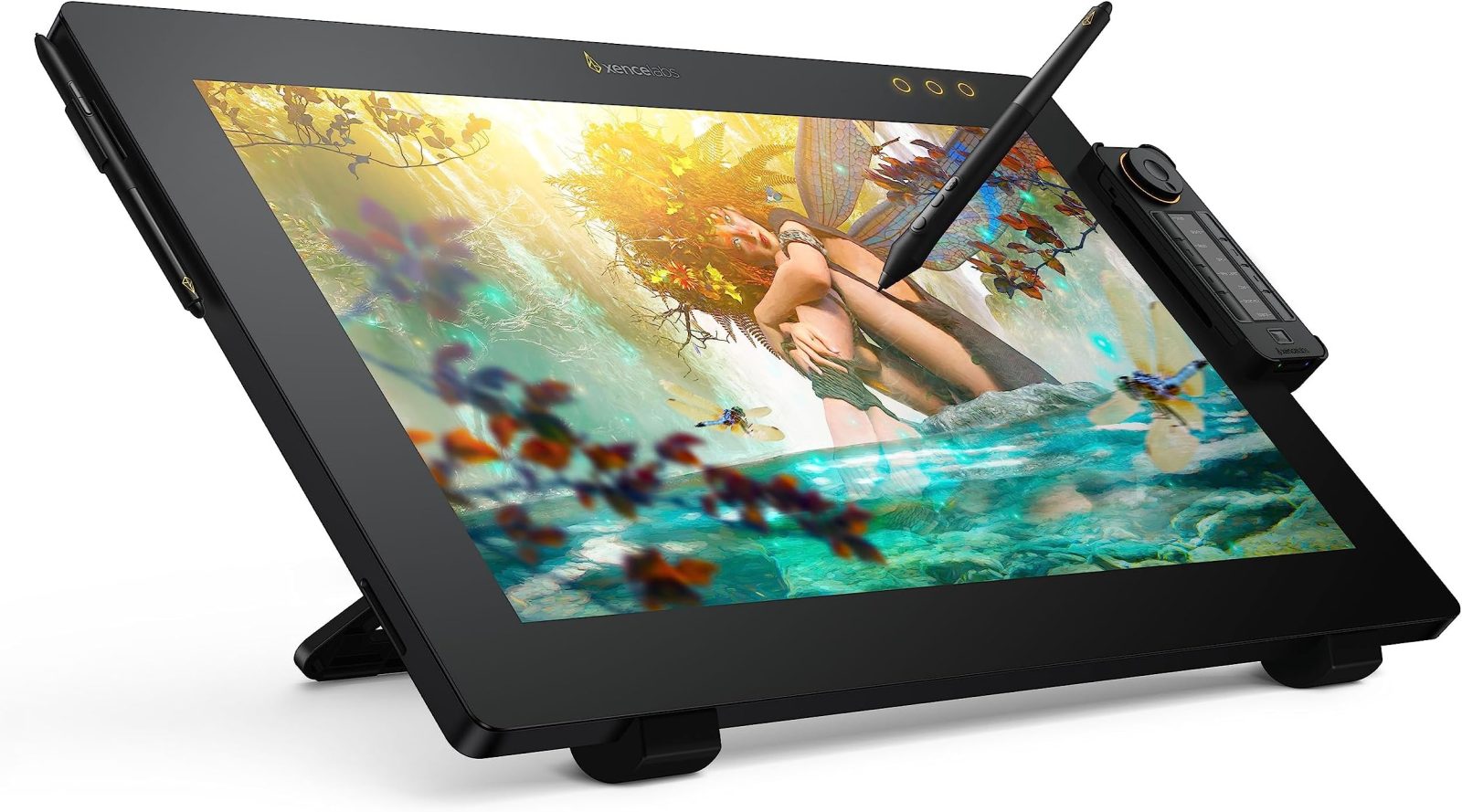
A PC graphic tablet, or pen display, is a specialized monitor that tracks your stylus input and sends that data to your computer. These devices rely entirely on your desktop or laptop to run resource-heavy applications like Adobe Photoshop, ZBrush, or Blender. Because they do not need internal batteries or processors, they are often thinner and lighter than standalone units.
📷 Photo by amazon.com
The biggest benefit of a PC graphic tablet is raw power. By utilizing your desktop computer, you can leverage a powerful GPU and massive RAM, which is essential for complex 3D modeling or high-resolution digital painting. Furthermore, you can upgrade your computer independently of your tablet, ensuring that your hardware keeps pace with software demands without needing to replace your display.
Comparison of Key Features
| Feature | Standalone Tablet | PC Graphic Tablet |
|---|---|---|
| Portability | High (Self-contained) | Low (Needs a computer) |
| Performance | Limited by mobile hardware | High (Limited by PC specs) |
| Setup Complexity | Simple (Plug and play) | Moderate (Requires drivers/cables) |
| Cost Efficiency | High initial investment | Lower entry cost |
| Longevity | Lower (Battery/OS cycles) | Higher (Monitor-based) |
How to Choose the Right Device for Your Workflow
Deciding which path to take requires a clear understanding of your daily habits as an artist. Follow these steps to evaluate your needs:
- Assess your mobility: If you frequently sketch at coffee shops, during travel, or away from a desk, a standalone tablet is the clear winner for your lifestyle.
- Audit your existing hardware: If you already own a powerful workstation or gaming laptop, a PC graphic tablet is a more cost-effective upgrade that maximizes the potential of the machine you already have.
- Define your software needs: Determine if the software you use is available on mobile platforms. If your workflow relies on heavy desktop-only plugins or complex 3D rendering engines, a PC graphic tablet is mandatory.
- Consider your budget cycle: If you prefer to invest in a long-term display that lasts 5-7 years, a PC graphic tablet offers better value as it won’t become obsolete when mobile processors improve.
Common Mistakes When Buying
One major mistake is ignoring the importance of screen real estate. Artists often buy a small, portable standalone tablet only to find that it feels cramped when working on detailed illustrations. Conversely, some users buy a massive 24-inch PC graphic tablet without having a desk large enough to support both the display and their primary keyboard and mouse setup.
Another common oversight is the “parallax effect.” In cheaper PC graphic tablets, the distance between the glass and the actual LCD panel can cause a disconnect between where the pen tip touches the screen and where the digital line appears. Always check reviews specifically for “laminated displays” to ensure a natural drawing feel.
The Impact of Ecosystems
The choice is also influenced by your preferred software ecosystem. For many, the choice is made for them by the apps they use. If you are deeply integrated into the Adobe Creative Cloud, a PC graphic tablet is usually the preferred choice because the desktop versions of software have features that the mobile or “lite” tablet versions lack. If you prefer intuitive, touch-based interfaces like Procreate, you are essentially forced into the standalone tablet ecosystem.
Risks and Maintenance
Standalone tablets are prone to battery degradation. Over time, the internal battery will lose its capacity to hold a charge, which can turn your expensive mobile drawing tool into a tethered device. PC graphic tablets, while more robust, are prone to cable failure. Since they require HDMI or USB-C cables to function, ensure you have a clean cable management system to prevent port strain.
Frequently Asked Questions
Q: Can I use a PC graphic tablet as a second monitor?
A: Yes, most PC graphic tablets function perfectly as secondary displays for your computer, allowing you to drag windows and tools across screens.
Q: Do standalone tablets have the same pressure sensitivity as PC graphic tablets?
A: Modern standalone tablets like the iPad Pro or Samsung Tab S-series offer excellent pressure sensitivity, but professional-grade PC graphic tablets often offer higher levels of tilt recognition and more customizable stylus buttons.
Q: Which option is better for beginners?
A: Beginners often find PC graphic tablets (specifically non-screen pen tablets) to be the most affordable entry point, though screen-based PC tablets offer a more natural learning curve by allowing you to draw directly on the image.
Ultimately, there is no “correct” answer that applies to every artist. The best tool is the one that removes the most friction between your brain and the canvas. If your creative process thrives on spontaneity and movement, prioritize the standalone tablet. If your work requires precision, high-end software, and long-term hardware scalability, the PC graphic tablet remains the industry standard for professionals.
📷 Photo by digitalcameraworld.com