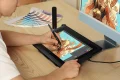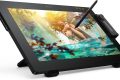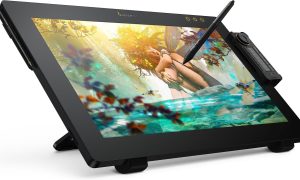


Innerspark.us – The best large drawing tablet for professional comic and manga artists is the Wacom Cintiq Pro 24, as it offers the most precise pressure sensitivity, color accuracy, and industry-standard build quality required for high-end digital illustration.
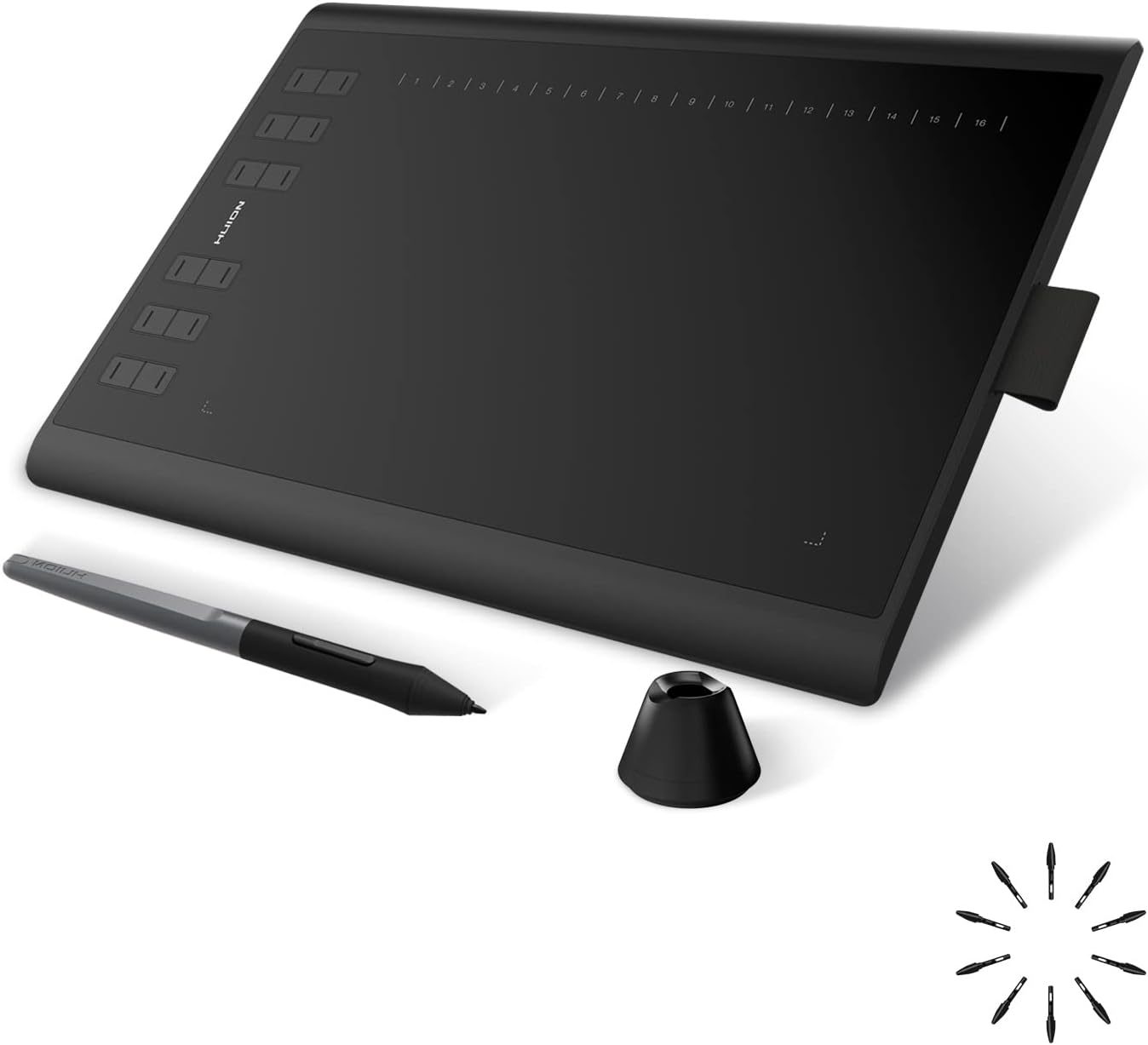
📷 Photo by amazon.in
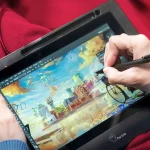
Professional comic and manga creation requires more than just a stylus and a screen; it demands a canvas that mimics the tactile experience of traditional paper while providing the infinite utility of digital tools. For artists who spend ten to twelve hours a day inking lines or painting backgrounds, screen real estate is not a luxury, but a necessity. A larger workspace allows for broad, fluid strokes and keeps your reference images or layer palettes from crowding your active drawing area.
Key Considerations for Professional Artists
When selecting a large-format tablet, you must prioritize parallax reduction and color gamut. Parallax occurs when there is a visible gap between the pen tip and the actual digital ink on the display, which can ruin the precision required for tight manga line work. Furthermore, professional-grade displays must cover at least 99% of the Adobe RGB color space to ensure that your print-ready files look exactly the same on paper as they do on your screen.
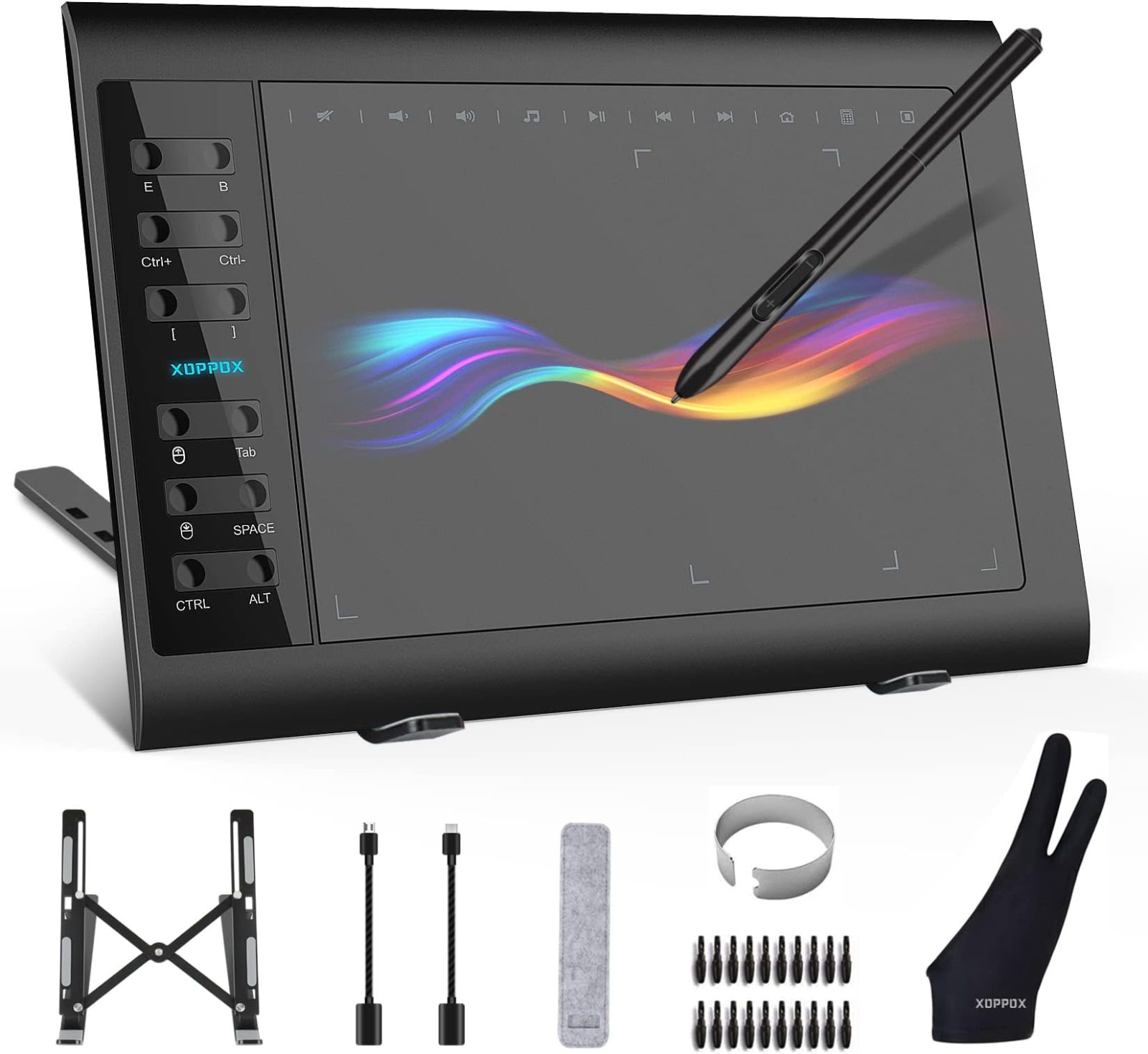
Ergonomics also play a vital role. A large tablet is heavy and often requires a VESA mount or an adjustable stand to prevent neck strain. Always look for tablets that offer customizable express keys, as these shortcuts are essential for switching between brushes, pens, and erasers without breaking your creative flow.
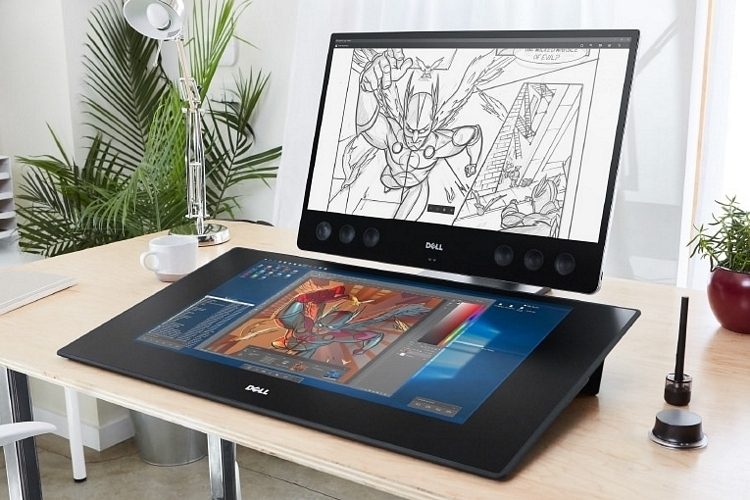
Comparison of Top-Tier Large Drawing Tablets
📷 Photo by coolthings.com
| Model | Active Area | Resolution | Best For |
|---|---|---|---|
| Wacom Cintiq Pro 24 | 24 Inches | 4K UHD | Industry standard, heavy production |
| Huion Kamvas Pro 24 | 23.8 Inches | 4K UHD | Budget-conscious professionals |
| XP-Pen Artist Pro 24 | 23.8 Inches | 2K QHD | Beginner-to-pro transition |
Setting Up Your Professional Digital Workspace
Investing in a high-end tablet is only the first step. To achieve professional results, you must calibrate your hardware and software environment to ensure consistency. Follow these steps to optimize your setup for comic and manga production:
- Connect your tablet to a dedicated GPU via DisplayPort or HDMI 2.0 to ensure 4K output at 60Hz.
- Use a hardware color calibrator, such as a SpyderX, to sync your tablet display with your secondary monitor.
- Install the latest drivers directly from the manufacturer’s website, bypassing the generic drivers provided by your operating system.
- Configure your tablet express keys to match your most frequent actions in Clip Studio Paint or Adobe Photoshop.
- Adjust the pressure curve settings in the tablet software to match your specific hand weight, favoring a lighter touch for fine manga pen lines.
Common Mistakes and How to Avoid Them
One common mistake artists make is neglecting the maintenance of the tablet surface. Over time, the nib of your stylus will wear down, creating a sharp edge that can scratch the protective film of your tablet. Inspect your nibs weekly and replace them immediately when they become slanted or worn. Additionally, many artists forget to clean their screen with a microfiber cloth, allowing oils from their hands to accumulate, which can interfere with the sensitivity of the digitizer.
Another pitfall is relying solely on the tablet’s native screen for color grading. Even the best large tablets should be used in conjunction with a high-quality reference monitor. This allows you to keep your workspace clean on the tablet while viewing the final color output on a calibrated monitor, preventing eye fatigue and ensuring your work meets printing standards.
Ergonomic Risks and Prevention
Working on a large tablet can lead to repetitive strain injuries if your posture is poor. Because the screen is large, you may find yourself leaning over it for hours. Ensure your desk height is adjusted so your elbows are at a 90-degree angle. If your tablet is flat on the desk, consider purchasing a stand that tilts the screen at a 20 to 45-degree angle. This simple change reduces the strain on your neck and back significantly, allowing for longer, more comfortable drawing sessions.
Frequently Asked Questions
Q: Is a 4K resolution necessary for drawing manga?
A: While not strictly mandatory, 4K is highly recommended for large tablets over 20 inches to maintain pixel density and prevent visible aliasing on thin lines.
Q: How long should I expect a professional drawing tablet to last?
A: With proper care and regular screen cleaning, a professional-grade tablet from a reputable brand should provide five to seven years of consistent daily use.
Q: Do I need a powerful computer to run a 24-inch 4K tablet?
A: Yes, you need a computer with a dedicated graphics card and sufficient RAM to handle the high resolution and complex brush engines found in professional illustration software.
Choosing the right hardware is an investment in your artistic career. By focusing on display quality, ergonomic compatibility, and reliable driver support, you can build a digital studio that supports your creative vision for years to come. Take the time to test the texture of the screen surface and the responsiveness of the pen, as these tactile elements will ultimately dictate how your finished comic pages look and feel.
📷 Photo by amazon.com