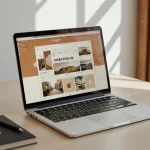

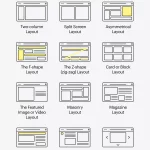




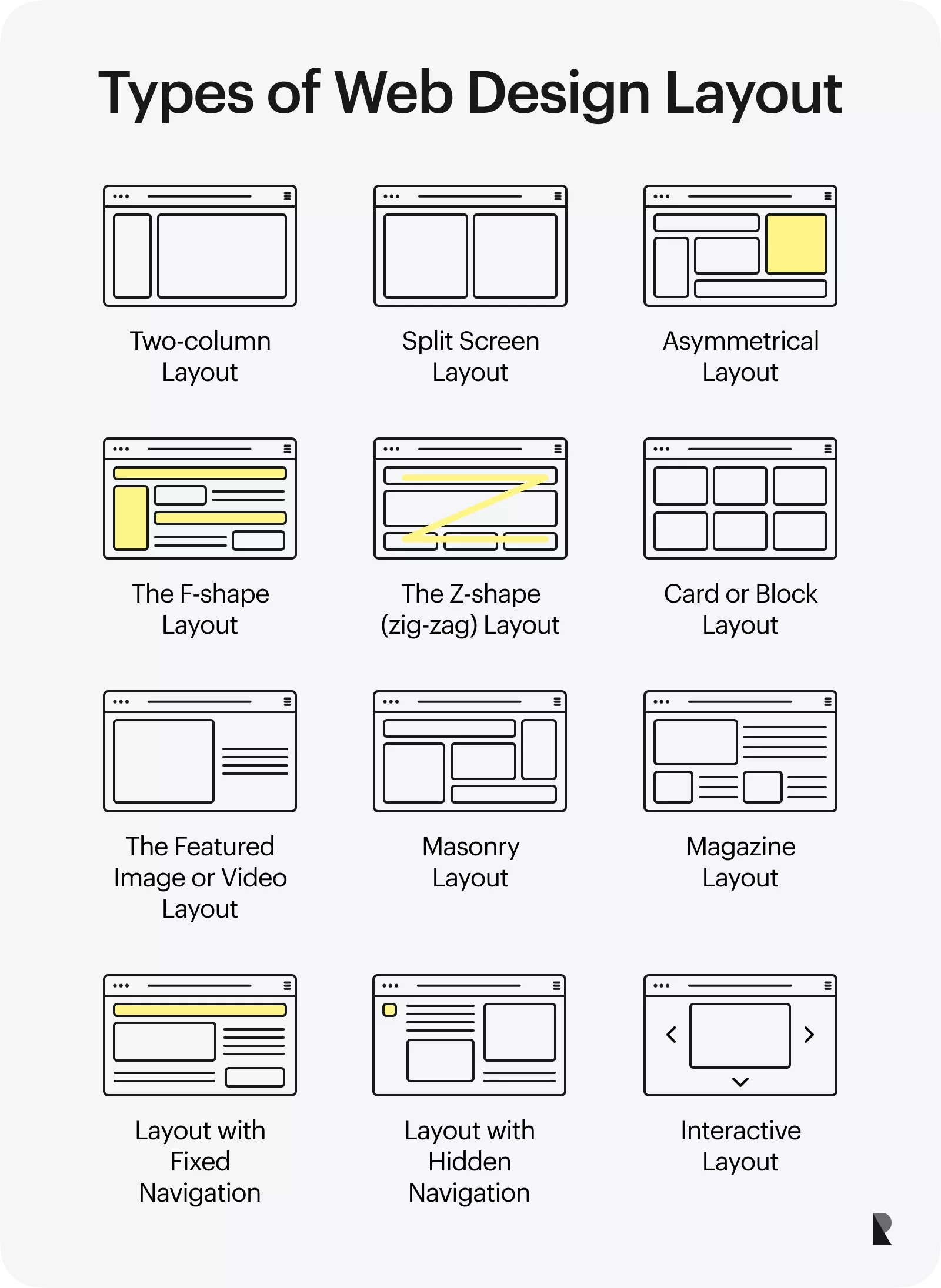
Innerspark.us – Choosing between a portfolio grid layout and a horizontal scroll depends on your content density; grids excel at providing immediate, categorized overviews for diverse projects, while horizontal scrolls offer a curated, immersive storytelling experience for high-impact visual portfolios.
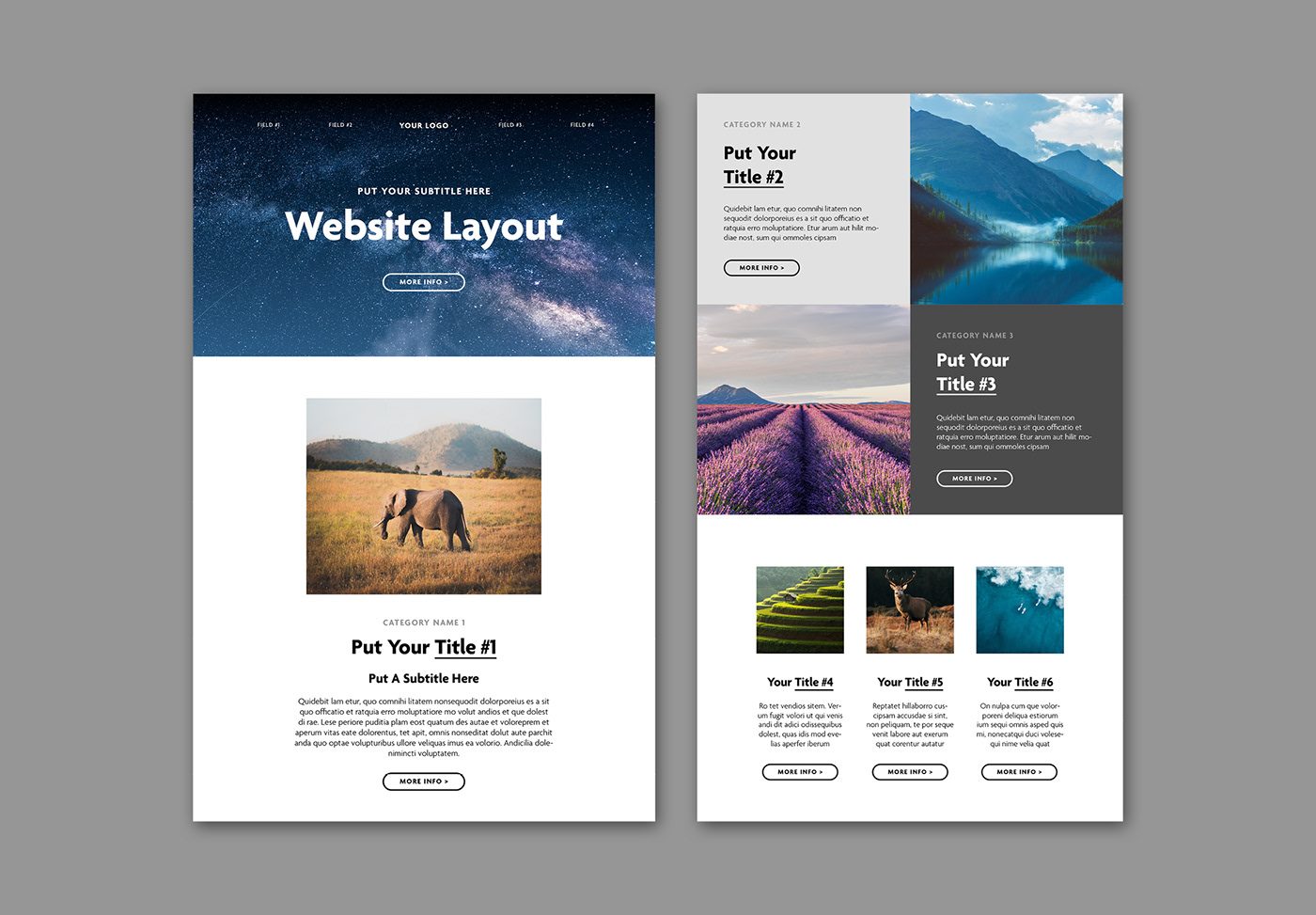
📷 Photo by behance.net
The debate between grid layouts and horizontal scrolling is a cornerstone of modern web design. Both patterns serve distinct psychological and functional purposes. Grids utilize the F-pattern reading habit, allowing users to scan multiple items simultaneously, which is ideal for e-commerce or extensive archives. Horizontal scrolling, conversely, forces a slower pace, compelling the user to engage with each project individually. Understanding when to deploy either is vital for retaining visitor attention.
When to Choose a Grid Layout
The grid layout remains the industry standard for portfolio websites because of its inherent predictability. Users are conditioned to understand that a grid represents a collection of items that can be filtered, sorted, or clicked for more detail. It is the most efficient way to display a high volume of work without overwhelming the visitor.
Grids are particularly effective for UX because they minimize interaction cost. A visitor can instantly see ten or twenty projects at once, allowing them to gravitate toward what interests them most. This is crucial for creative agencies or freelance photographers who need to demonstrate a wide range of capabilities in a single view.
The Case for Horizontal Scroll
Horizontal scrolling is a stylistic choice that transforms a website from a document into an experience. By breaking the standard vertical flow, you disrupt the user’s routine, which can be a powerful tool for brand differentiation. This layout is best suited for portfolios that rely on large-scale imagery, high-end cinematography, or a strong narrative arc where the order of projects matters.
The primary risk with horizontal scrolling is navigation fatigue. If a user is forced to scroll too far, they may lose track of their position or become frustrated by the departure from standard browser behavior. To mitigate this, successful horizontal portfolios often incorporate “scroll-snapping” or clear visual indicators that suggest there is more content to explore.
Comparative Analysis: Grid vs. Horizontal
| Feature | Portfolio Grid | Horizontal Scroll |
|---|---|---|
| Content Density | High | Low to Moderate |
| User Familiarity | High | Low (Experimental) |
| Primary Strength | Efficiency and Scanning | Immersion and Storytelling |
| Best Use Case | E-commerce, Archives, Agencies | Artistic Portfolios, Brand Showcases |
| UX Risk | Boredom/Lack of Focus | Navigation Frustration |
Practical Implementation Strategy
Implementing these layouts requires more than just CSS positioning; it requires an understanding of user flow. If you decide to move away from the traditional grid, you must ensure that your interface remains intuitive even when the expected behavior is subverted.
- Define your primary goal: If you need to sell services, prioritize the grid for speed of information access.
- Map your content: If you have fewer than six high-quality projects, consider a horizontal layout to give each project the breathing room it deserves.
- Implement clear constraints: If using a horizontal scroll, ensure the scroll speed feels natural and include a progress bar or navigation arrows to prevent users from getting lost.
- Test for responsive behavior: Ensure that your grid collapses into a single column on mobile, and convert horizontal scrolls into vertical carousels for smaller screens.
- Add micro-interactions: Use hover states on grids to add depth, or subtle parallax effects on horizontal scrolls to reward the user for their interaction.
Common Mistakes to Avoid
One of the most frequent errors in portfolio design is over-complicating the navigation. A grid layout should not suffer from “too many filters,” which can clutter the UI. Similarly, a horizontal scroll should never disable the user’s ability to use their scroll wheel or trackpad; forcing a manual click-to-advance mechanism is often seen as a significant UX failure.
Another common mistake is neglecting mobile users. Many designers build beautiful horizontal desktop sites that become unusable on smartphones. Remember that the “horizontal” experience should be a progressive enhancement, not a barrier to entry. If the horizontal navigation cannot be easily replicated on touch screens, it is safer to stick to a responsive grid.
Psychological Impact of Layouts
The grid layout provides a sense of order and control. It appeals to users who are task-oriented and looking for specific information. In contrast, the horizontal scroll creates a sense of discovery. It feels more like walking through a gallery where each turn reveals something new. By choosing the right layout, you are essentially setting the “tone” of your brand before the user even reads your bio.
📷 Photo by ramotion.com
Always consider your audience’s technical literacy. If your target demographic is corporate or institutional, they will likely expect the reliability of a grid. If your audience is composed of other designers, artists, or luxury brands, they may appreciate and expect the experimental nature of a horizontal scroll.
Frequently Asked Questions
Q: Is it ever acceptable to mix both grid and horizontal layouts?
A: Yes, many high-end portfolios use a grid for the homepage to provide an overview, and then employ horizontal sliders within individual project case studies to showcase photo galleries.
Q: Does horizontal scrolling hurt my SEO?
A: Search engines primarily care about the content within the HTML tags. As long as your text is crawlable and your images have alt-text, the layout itself does not negatively impact your ranking, provided the site is mobile-friendly.
Q: How do I know if my horizontal scroll is too long?
A: If your project list exceeds eight to ten items, users will likely stop scrolling. If you have a large portfolio, it is better to categorize your work into separate pages rather than forcing a single, endless horizontal scroll.
Ultimately, the best layout is the one that removes friction between your work and your prospective client. Prioritize functionality, test your transitions on multiple devices, and ensure that your design choices reflect the quality of the work being displayed.
Read also: How to Curate a Fashion Photography Portfolio for Editorial Agency
📷 Photo by in.pinterest.com