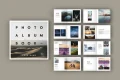





Innerspark.us – A minimalist photography portfolio that loads fast is built by prioritizing image optimization, lazy loading techniques, and a clean, single-column layout that minimizes heavy scripts and unnecessary plugin bloat.
The Philosophy of Minimalism in Photography
In the digital age, a photographer’s portfolio is often judged within the first three seconds of loading. If your site takes longer than that to display your work, potential clients will likely bounce. Minimalism is not just an aesthetic choice; it is a performance strategy. By stripping away extraneous design elements, you allow your images to command the viewer’s full attention while drastically reducing the server request count.
A fast-loading site requires discipline. You must resist the urge to include every photo you have ever taken. Instead, focus on a curated selection of your best work. High-quality imagery is heavy by nature, so the architecture surrounding those images must be incredibly lightweight to compensate.
Key Performance Metrics for Portfolios
To ensure your portfolio remains lightning-fast, you need to track specific technical metrics. These benchmarks help you understand if your optimizations are working. The following table outlines the ideal performance targets for a professional photography site.
| Metric | Target Value | Why It Matters |
|---|---|---|
| Largest Contentful Paint | Under 2.5 Seconds | Ensures the hero image loads quickly for the user. |
| Total Page Size | Under 2.0 MB | Reduces data usage and server strain. |
| HTTP Requests | Under 50 | Fewer requests mean faster browser rendering. |
| Image Format | WebP or AVIF | Superior compression without visible quality loss. |
Step-by-Step Guide to Building Your Minimalist Portfolio
Building a high-performance portfolio is a systematic process. Follow these steps to ensure your site remains lean and effective.
- Select a Lightweight Theme or Framework: Avoid bloated page builders. Choose a clean HTML5 template or a stripped-down CMS theme that does not force-load unnecessary JavaScript libraries.
- Implement Aggressive Image Optimization: Never upload raw files directly. Use tools to resize images to the exact dimensions needed for web display and convert them to next-gen formats like WebP.
- Configure Lazy Loading: Use native browser lazy loading for all images below the fold. This ensures that the browser only downloads images as the user scrolls down, significantly improving initial load times.
- Minimize External Scripts: Every third-party tracking pixel, social media embed, or chat widget adds weight. Only include essential tracking tools and remove anything that does not directly convert visitors into clients.
- Leverage Browser Caching: Configure your server headers to cache static assets. This allows returning visitors to load your portfolio almost instantly, as their browser will store local copies of your design elements.
Common Mistakes to Avoid
One of the most frequent errors photographers make is the “auto-play video” trap. While a cinematic video header might look impressive, it is often the single biggest contributor to slow load times. If you must include video, host it on an external platform that provides optimized streaming, or use a highly compressed, muted, and short loop that is explicitly lazy-loaded.
Read also: Acid-Free Archival Paper vs Standard Cardstock: Longevity Comparison
Another mistake is the lack of image compression. A 20MB JPEG file might look sharp on your local drive, but it will cripple your mobile load speeds. Always aim for a balance where the file size is low (typically under 500KB per image) while the perceived quality remains high. Remember that most visitors view portfolios on mobile devices with varying connection speeds.
The Importance of Mobile-First Design
More than half of your potential clients will view your portfolio on a smartphone. A minimalist design naturally translates well to mobile because it avoids complex grids that break on smaller screens. Ensure your typography is legible without needing to zoom, and keep your navigation menus simple—a “hamburger” menu is often the most efficient choice for a minimalist site.
By focusing on mobile performance, you also satisfy Google’s core web vitals requirements, which prioritize mobile-friendly pages in search results. A minimalist portfolio is not just about looks; it is a search engine optimization (SEO) tactic that keeps your work visible in a crowded market.
Frequently Asked Questions
Q: Should I use a portfolio builder or custom code?
A: If you are not a developer, use a lightweight, dedicated portfolio builder that allows you to disable unnecessary features. If you have coding knowledge, a static site generated via HTML/CSS is the fastest possible option.
Q: How many images should I include on my homepage?
A: Aim for 6 to 12 high-impact images. Any more than that risks overwhelming the viewer and increasing the initial page weight beyond acceptable limits.
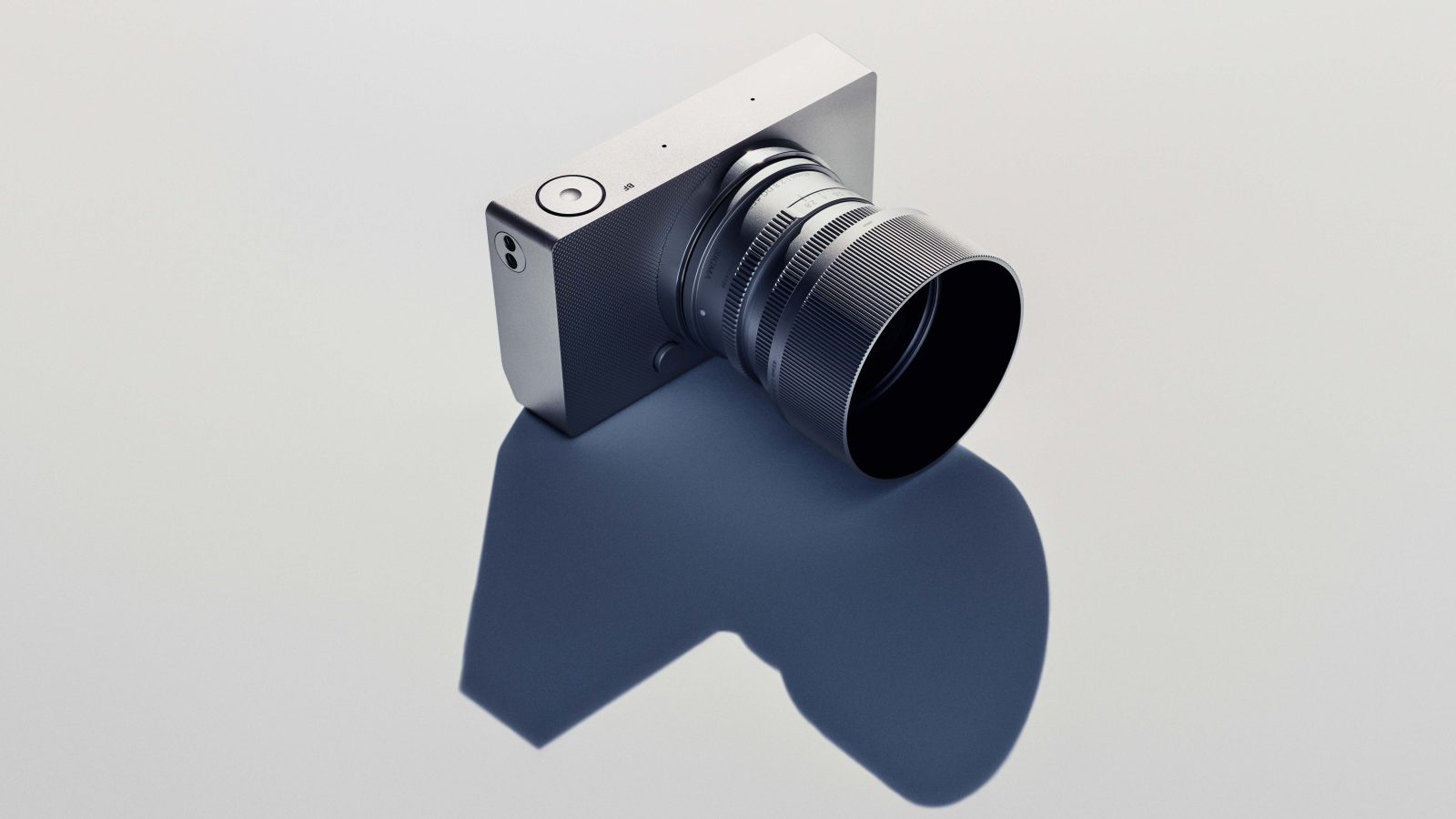
📷 Photo by digitalcameraworld.com
Q: Does minimalism mean I cannot have a blog or contact page?
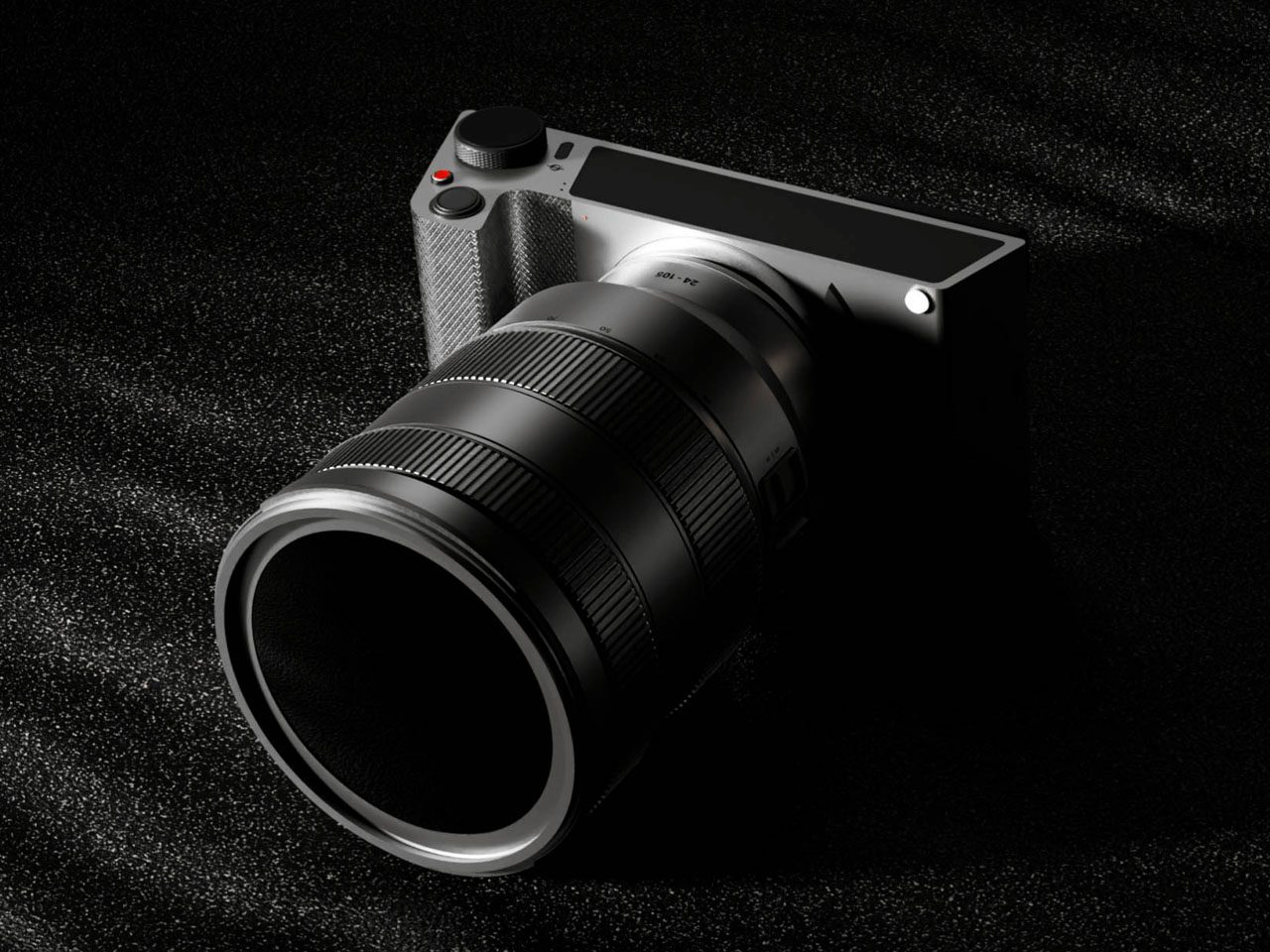
📷 Photo by yankodesign.com
A: Not at all. Minimalism refers to the design and performance, not the content. You can have a blog and contact page, provided they are structured efficiently and do not slow down the primary portfolio experience.
Final Thoughts on Maintenance
A minimalist portfolio is never truly “finished.” As you produce new work, you must periodically audit your site to remove outdated images and check for broken links. By maintaining a strict “one-in, one-out” policy for your gallery, you ensure that your portfolio remains a curated, high-speed representation of your current professional standard. This discipline not only keeps your site fast but also forces you to constantly refine your brand identity.
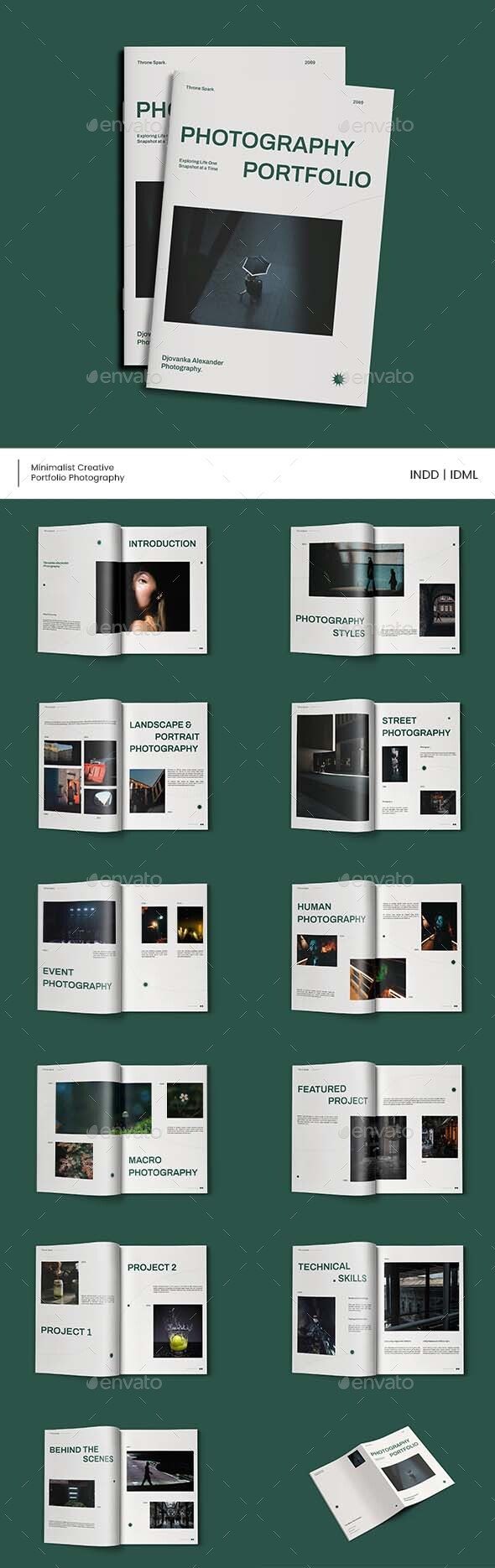
📷 Photo by graphicriver.net