





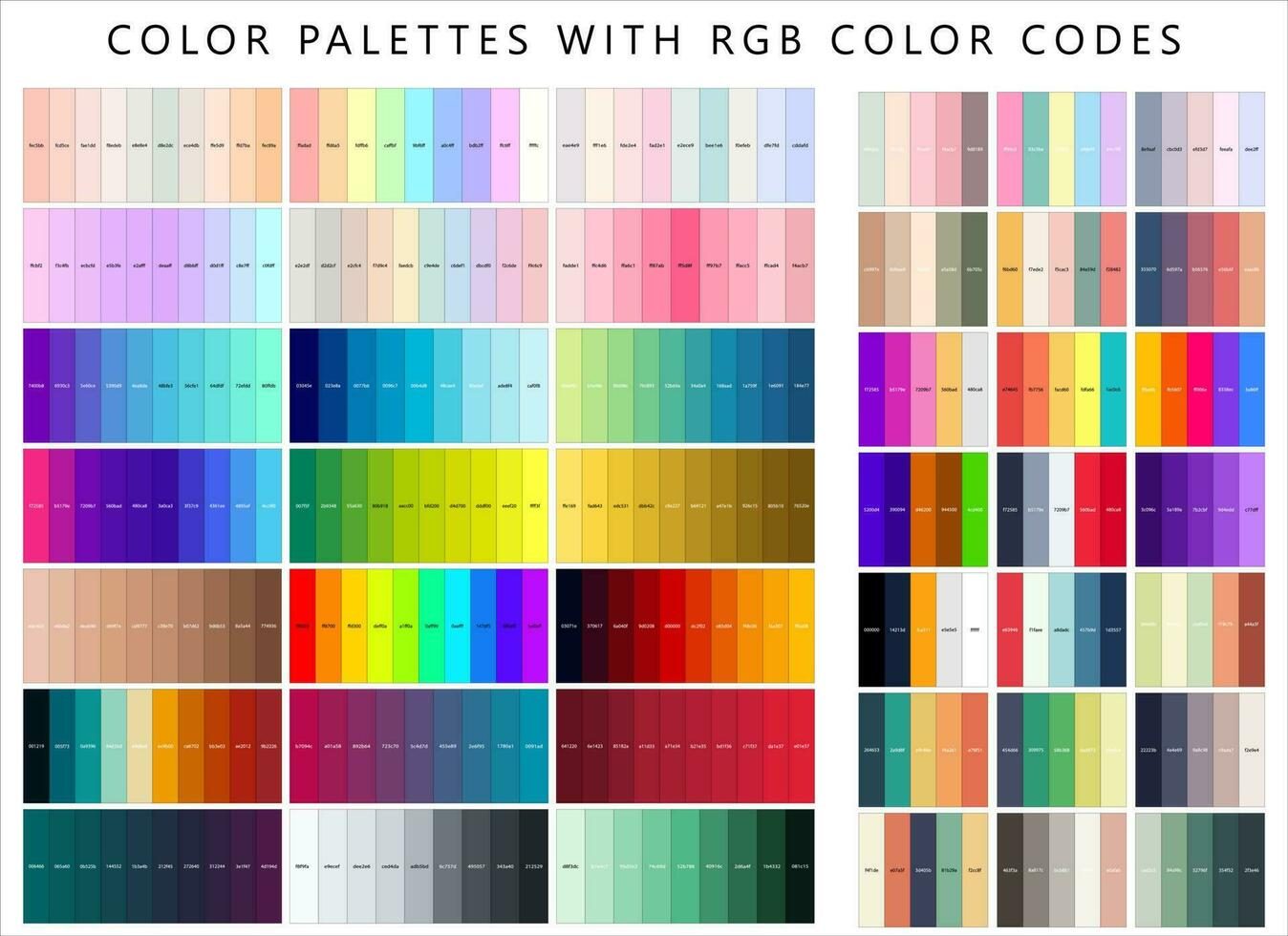
Innerspark.us – A cohesive color palette is achieved by selecting a dominant base color, two secondary complementary tones, and a neutral accent, then applying them consistently across all design elements to create a unified visual identity.
Consistency is the hallmark of a professional designer. When potential clients or employers view your portfolio, they are not just looking at individual projects; they are assessing your ability to curate and maintain a brand. A scattered approach to color makes your work feel disjointed, whereas a cohesive palette suggests intention, maturity, and a refined aesthetic sensibility.
The Psychology of a Unified Palette
Your color choices set the emotional tone for your portfolio. A portfolio dominated by bright, neon colors communicates energy and playfulness, while a muted, monochromatic scheme speaks to minimalism and corporate professionalism. When you carry these colors across your landing page, project thumbnails, and typography, you provide the viewer with a sense of stability. This visual consistency acts as a silent guide, telling the viewer that every project they see belongs to the same talented professional.
Step-by-Step Guide to Building Your Palette
- Analyze your existing work to identify the recurring colors you naturally gravitate toward.
- Select one dominant color that will be used for primary navigation, buttons, or header accents.
- Choose two secondary colors that provide contrast without clashing, ensuring they are readable against your background.
- Select a neutral color for text and background spaces to prevent visual fatigue and keep the focus on your work.
- Create a style guide document where you list the exact HEX, RGB, or CMYK codes to ensure you never deviate from your chosen shades.
Essential Color Palette Framework
| Color Role | Percentage of Use | Purpose |
|---|---|---|
| Base/Primary | 60% | Backgrounds and large layout areas |
| Secondary | 30% | Typography and project highlights |
| Accent | 10% | Call-to-action buttons and notifications |
Common Mistakes to Avoid
One of the most frequent errors designers make is overcomplicating their palette. Using too many colors creates visual noise, which distracts from the actual content of your projects. Stick to a maximum of four or five colors. If you find your work looks dull, increase the saturation or adjust the brightness of your existing colors rather than adding a completely new hue to the mix.
Another pitfall is failing to account for accessibility. You might love the look of light grey text on a white background, but if a recruiter cannot read your text, your portfolio fails its primary function. Always test your color combinations for contrast ratios, especially for body text and interactive elements. A beautiful portfolio that is impossible to navigate is effectively useless.
Read also: How to Set Up 3-Point Studio Lighting Kit for Portrait Photography
Integrating Colors Across Projects
You do not need to force your portfolio colors into every single image of your past work. Instead, use your palette for the “shell” of your portfolio—the borders, buttons, typography, and hover states. When presenting individual case studies, use your primary palette for the headers and callouts, while letting the project’s own unique imagery shine in the content area. This creates a bridge between your personal brand and the specific requirements of the client work you are showcasing.
Think of your portfolio as a gallery. The gallery walls should be a consistent, neutral color that allows the art on display to stand out. Your portfolio website is the gallery, and your projects are the art. If the gallery walls are distracting, the art loses its impact.
Tools for Palette Harmonization
There are numerous digital tools available to help you extract colors from your favorite projects. Using color pickers or palette generators can help you find shades that harmonize perfectly with your base color. Once you have your palette, save those values in your design software of choice, such as Figma, Adobe XD, or even your website’s CSS file. Having these variables ready to go ensures that you never have to “guess” a color code again.
Remember that trends change, but a solid color foundation is timeless. You might update your portfolio layout every year, but if you have established a strong, cohesive color identity, your brand will remain recognizable and professional regardless of current design fads.
Frequently Asked Questions
Q: Should I change my portfolio colors if I switch design specializations?
A: Not necessarily. While you may want to adjust the intensity or tone of your colors to fit a new niche, maintaining a consistent brand identity helps clients recognize your work across different platforms.
Q: How do I handle color contrast for accessibility?
A: Use online contrast checker tools to ensure your text color meets WCAG guidelines against your background color. Aim for a ratio of at least 4.5:1 for standard text.
Q: Is it okay to use black and white only?
A: Absolutely. A black-and-white portfolio is the ultimate exercise in minimalism and can make your visual work pop more than any color scheme. Just ensure your typography and whitespace are impeccable to compensate for the lack of color.
By investing time in creating a cohesive palette, you are doing more than just picking pretty colors. You are demonstrating a high level of attention to detail that will set you apart from other candidates who treat their portfolio branding as an afterthought. Keep it simple, keep it consistent, and let your work be the star of the show.
📷 Photo by vecteezy.com