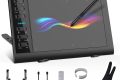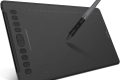




Innerspark.us – Choosing between a Bluetooth wireless drawing tablet and a USB-C wired connection depends entirely on your priority: the freedom of a cable-free workspace or the absolute zero-latency reliability required for high-precision professional digital art.
The debate between wireless and wired drawing tablets has evolved significantly as technology has improved. In the past, wireless tablets were considered toys for hobbyists, but modern Bluetooth 5.0 and proprietary 2.4GHz dongles have narrowed the gap. However, the fundamental difference remains in how data is transmitted from the pen to your computer.
The Reality of Latency and Signal Interference
Latency is the primary concern for any digital artist. When you drag your stylus across the screen, the data must travel to your computer, be processed by your software, and then rendered on your display. USB-C connections offer a direct, high-bandwidth path with virtually imperceptible latency. This is the gold standard for artists working on complex illustrations or high-resolution paintings where every stroke must be pixel-perfect.
Bluetooth, conversely, relies on packet-based transmission. While Bluetooth 5.0 is remarkably fast, it is susceptible to signal interference. If you have multiple devices in your office—routers, wireless keyboards, or smartphones—they can occasionally cause “jitter” or dropped frames. While most users won’t notice this during casual sketching, professional illustrators working with long, sweeping brush strokes often report a slight “drag” behind the cursor compared to a wired connection.
Workflow and Ergonomics
The biggest advantage of a wireless tablet is the freedom of movement. A wireless setup allows you to push your tablet aside when you need to switch to a keyboard for shortcuts or reference materials, without dealing with tangling cables. It creates a clean, minimalist desk aesthetic that many creators find more conducive to a creative flow state.
However, ergonomics play a role in this choice. Wireless tablets require internal batteries. This adds weight to the device, which can be noticeable if you frequently hold your tablet in your lap or move it around your workspace. Furthermore, the reliance on a battery introduces the risk of losing power in the middle of a project, forcing you to plug in anyway, which effectively negates the wireless benefit during those downtime moments.
Performance Comparison Matrix
| Feature | Bluetooth Connection | USB-C Wired Connection |
|---|---|---|
| Latency | Low (Potential for jitter) | Ultra-low (Instantaneous) |
| Power Source | Internal Battery | Bus-powered (No battery) |
| Reliability | Dependent on environment | Constant and stable |
| Workspace | Clutter-free | Cable management required |
| Setup Speed | Requires pairing | Plug and play |
Setting Up Your Connection for Maximum Performance
If you decide to go the wireless route, you can optimize your performance to minimize the inherent risks of signal interference. Follow these steps to ensure the best possible experience:
- Position your computer or wireless receiver within three feet of your tablet to maximize signal strength.
- Disable other unnecessary Bluetooth devices in the room to reduce radio frequency congestion.
- Ensure your tablet firmware is updated to the latest version, as manufacturers frequently release patches to improve Bluetooth stability.
- Check your computer’s power management settings to ensure it is not throttling the Bluetooth adapter to save battery life.
- If you notice lagging, immediately switch to the USB-C cable to verify if the issue is software-related or signal-related.
Common Pitfalls and Considerations
One common mistake artists make is assuming that all wireless connections are the same. Some tablets use Bluetooth, while others use a dedicated 2.4GHz wireless dongle. The 2.4GHz dongle is almost always superior to standard Bluetooth because it is a dedicated connection that does not share bandwidth with your headphones or mouse. If your tablet supports a dongle, use it instead of the computer’s built-in Bluetooth.
Another factor is the type of work you do. If you are a retoucher or an animator who needs to be extremely precise, the wired USB-C connection is non-negotiable. The reliability of a hardwired connection removes the anxiety of potential input drops during critical work hours. For those sketching, note-taking, or doing casual digital painting, the convenience of wireless connectivity usually outweighs the minor performance trade-offs.
Read also: Textured Archival Paper for Reproducing Gouache and Acrylic Works
When to Abandon Wireless
You should immediately revert to a USB-C cable if you experience “stair-stepping” in your lines. This happens when the data packets from the tablet are arriving slightly out of sync, causing your smooth brush strokes to look pixelated or jagged. This is a clear indicator that your wireless environment is too noisy or the tablet is struggling to maintain a constant signal. Professional production environments, where time is money, almost exclusively utilize wired connections for this very reason.
FAQ
Q: Does using a USB-C cable charge my tablet while I work?
A: Yes, in almost all modern drawing tablets, the USB-C connection provides both data transmission and power, keeping your device charged while you work.
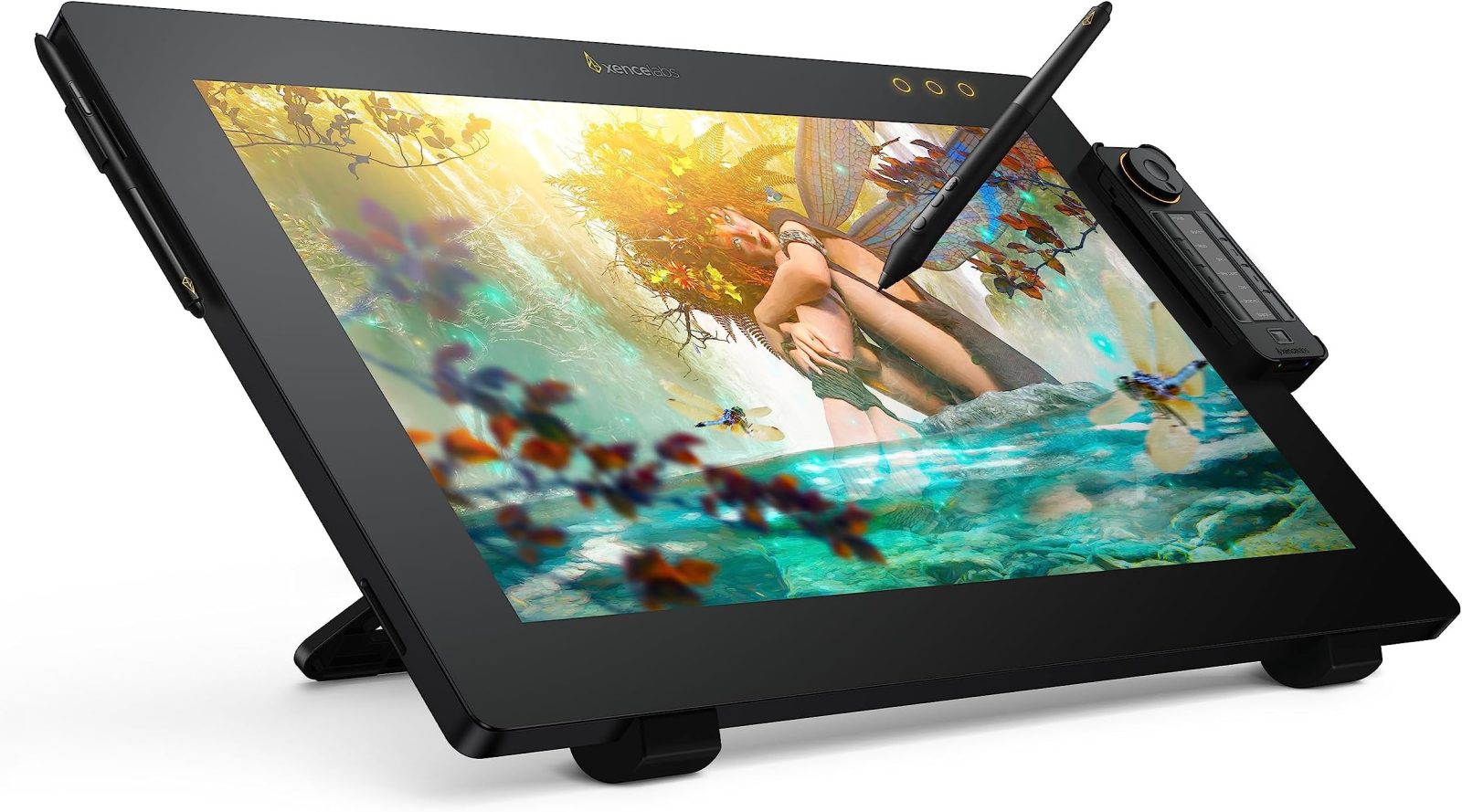
📷 Photo by amazon.com
Q: Will a wireless tablet work through walls or from across the room?
A: While Bluetooth has a range of about 30 feet, drawing tablets are designed for proximity. Using them at a distance will significantly increase latency and result in a poor user experience.
Q: Is there any difference in pressure sensitivity between wired and wireless?
A: Technically, no. Both methods transmit pressure data accurately. However, if the wireless connection drops packets, your software may interpret that as a sudden drop in pressure, leading to inconsistent line weight.
Ultimately, the choice comes down to your personal workflow. If you value a clean, portable setup and your art style doesn’t require extreme precision, Bluetooth is a fantastic luxury. If you are a professional who relies on speed, consistency, and absolute accuracy, stick to the USB-C cable to ensure your tools never get in the way of your vision.
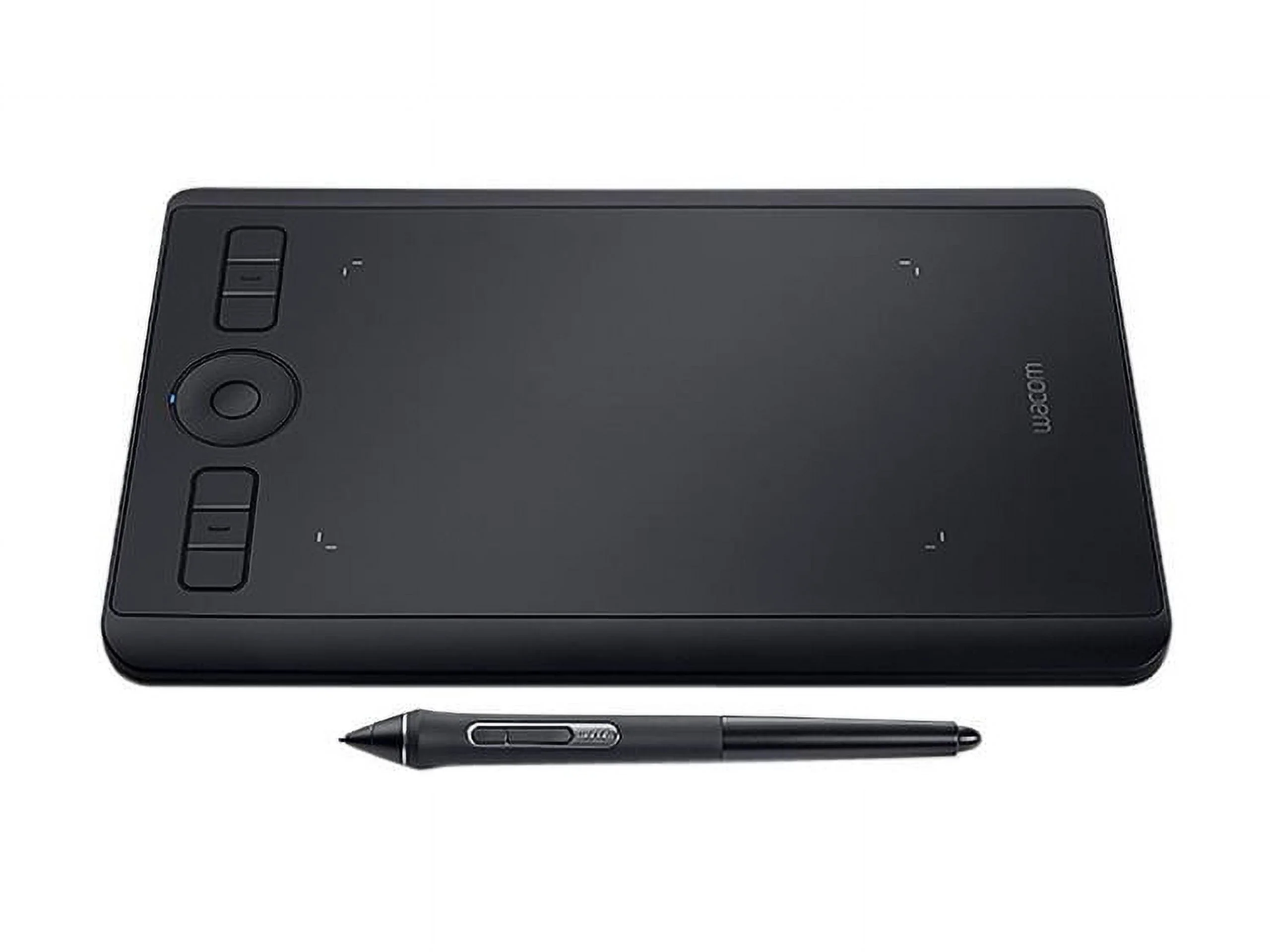
📷 Photo by walmart.com