





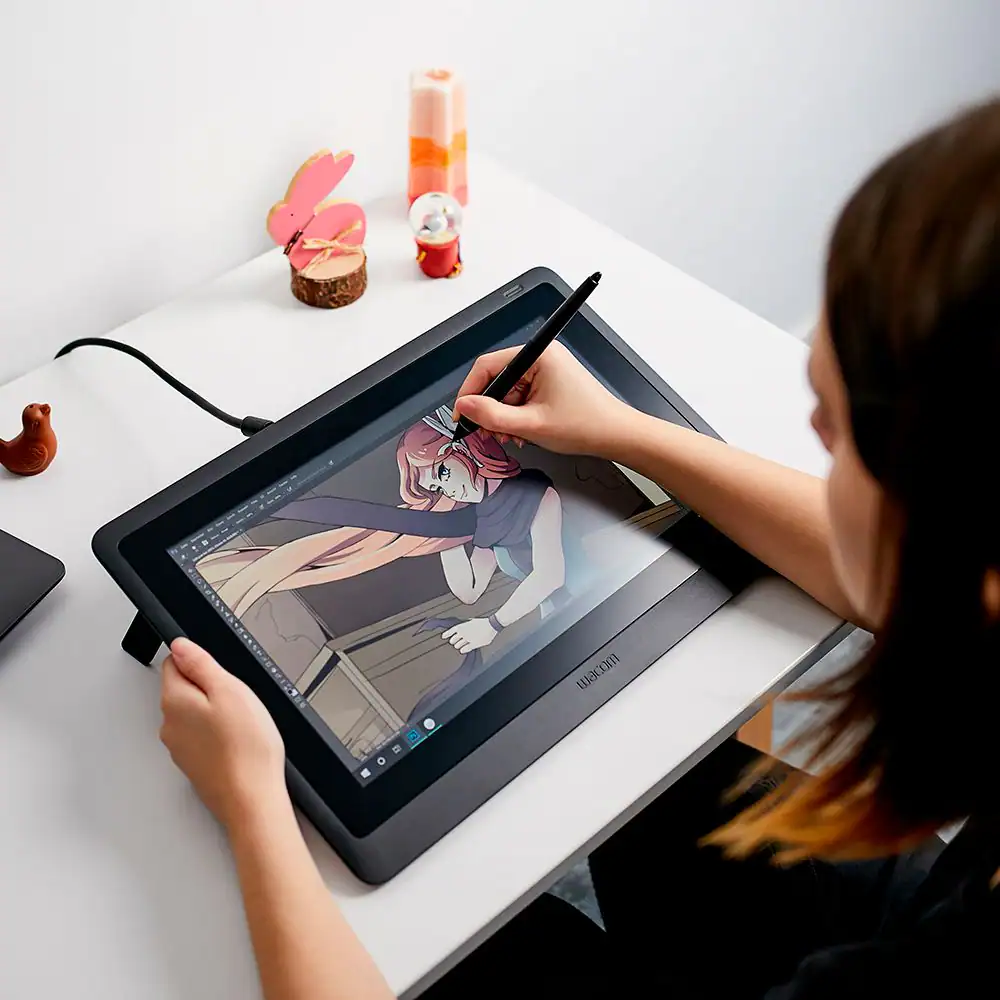
Innerspark.us – Hand fatigue while using a drawing tablet is primarily caused by an overly tight “death grip” and improper wrist alignment, which can be mitigated by adjusting pen thickness, utilizing ergonomic grip attachments, and practicing dynamic drawing techniques.
The digital art process is deceptively demanding. Unlike traditional media, where you might switch between pencils, charcoal, and brushes, a digital artist is often tethered to a single stylus for hours on end. This repetitive motion, combined with the hard, often slick surface of a tablet, creates a perfect storm for localized muscle strain. When you hold a stylus with excessive force, you restrict blood flow and create tension that travels from your fingertips up through your forearm.
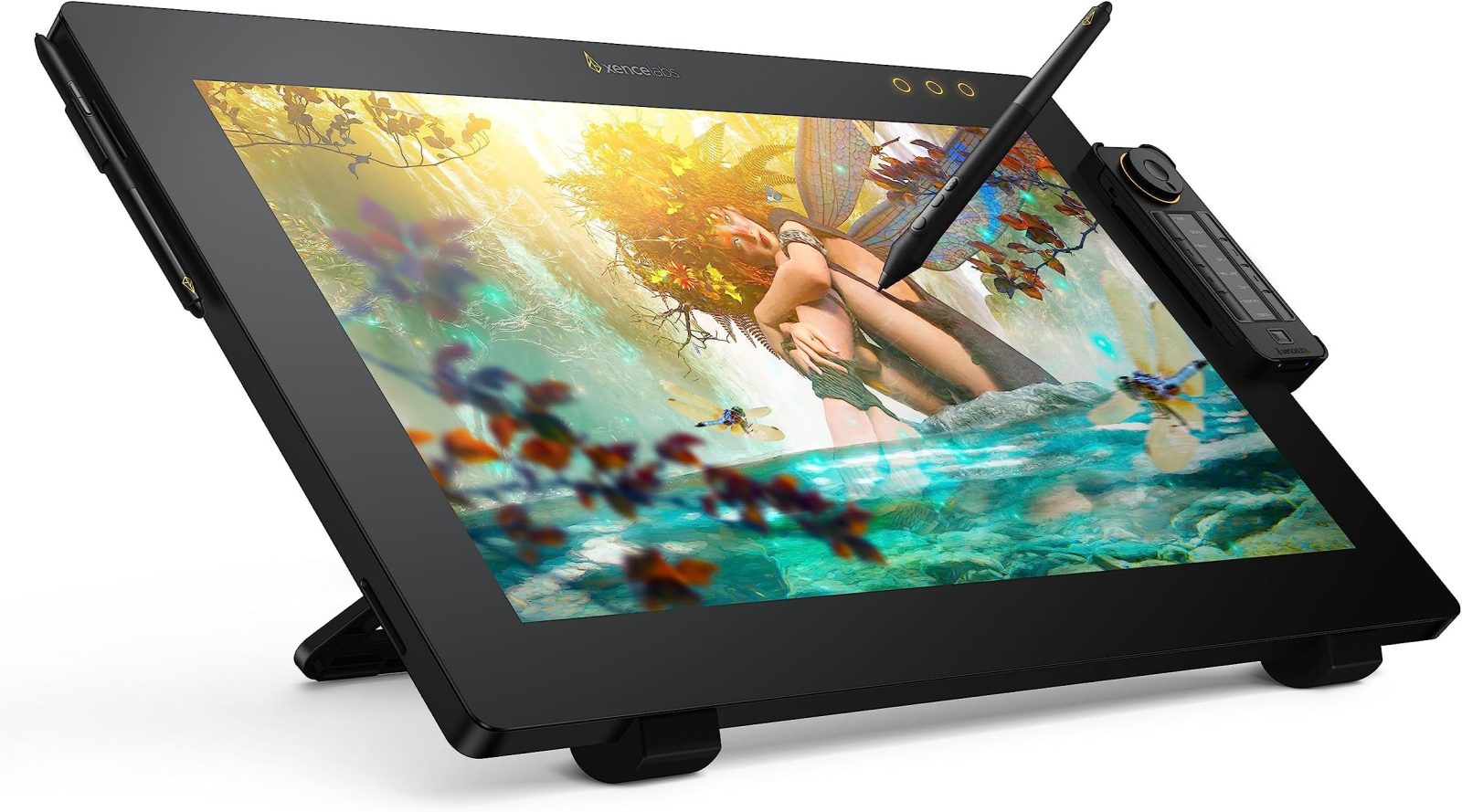
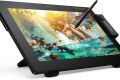
📷 Photo by amazon.com
Understanding the Mechanics of the Grip
Many artists unknowingly adopt a “tripod” grip that is far too rigid. Because styluses are generally thinner and lighter than traditional graphite pencils or brushes, the hand naturally compensates by squeezing harder to maintain control. This is a common mistake; the lighter weight of the pen should allow for a more relaxed, fluid movement, not a firmer squeeze. Over time, this leads to conditions such as De Quervain’s tenosynovitis or carpal tunnel syndrome, characterized by numbness, tingling, and a dull ache in the base of the thumb or wrist.
Ergonomic Adjustments to Your Workspace
Before changing how you hold the pen, look at your desk setup. If your tablet is positioned too high, your shoulders become elevated, which creates tension in your neck and traps. This tension inevitably migrates down the arm. Ideally, your tablet should sit at an angle that allows your wrist to remain in a neutral position—neither bent too far up nor dropped too low. If you are using a screen-less tablet, ensure it is centered directly in front of your keyboard, not off to the side, to prevent asymmetrical strain on your torso and shoulders.
Comparing Stylus Comfort Options
Not all pens are created equal. Many stock styluses are sleek but ergonomically poor. Consider the following table to understand how different modifications impact your hand health during long sessions.
| Modification Type | Ergonomic Benefit | Best For |
|---|---|---|
| Silicone Grip Sleeve | Increases diameter, reduces pinch force | Artists with larger hands or arthritis |
| Weighted Balanced Grip | Adds heft to minimize “floating” sensation | Artists who prefer traditional pencil weight |
| Textured Rubber Wrap | Improves friction, prevents slipping | Artists prone to sweaty palms or loose grips |
| Art Glove | Reduces friction against the tablet surface | Artists using tablets with glass or glossy screens |
Practical Steps to Reduce Fatigue
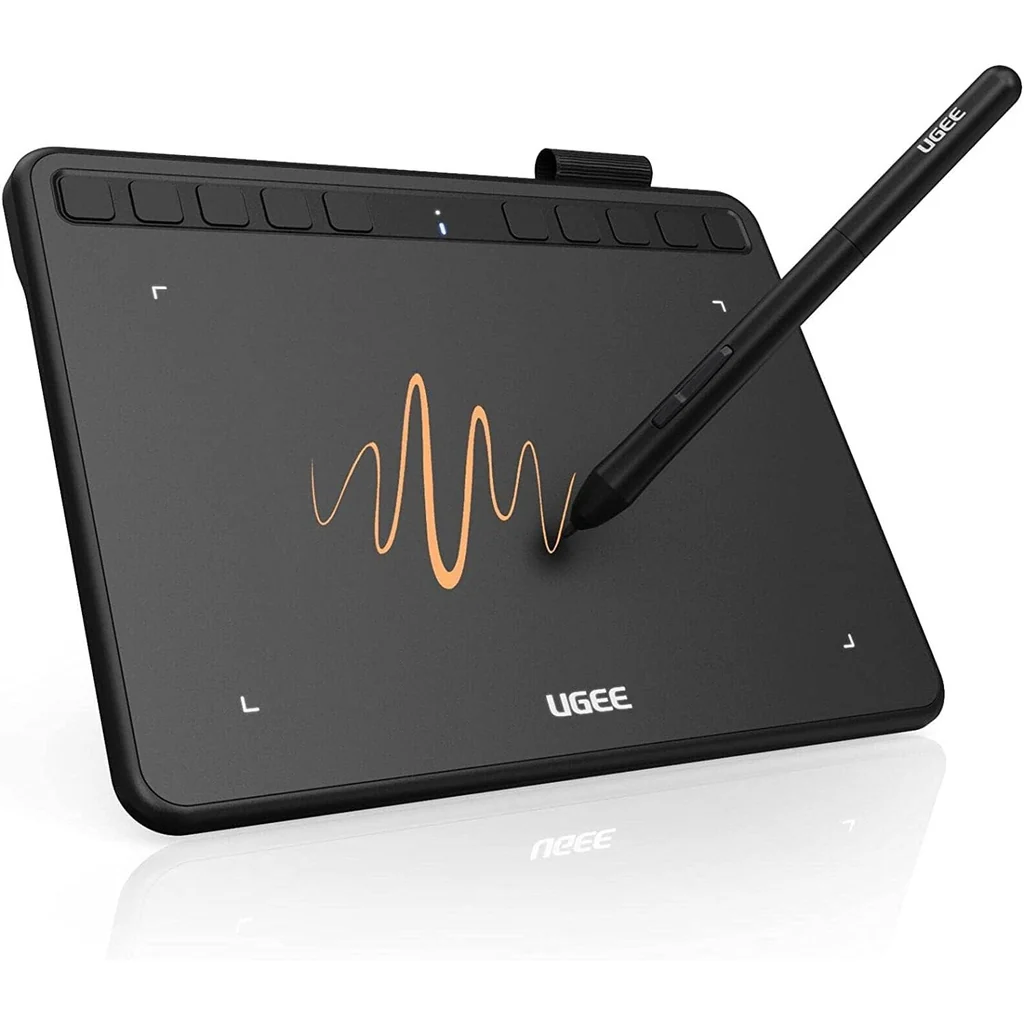
📷 Photo by alhamdtech.pk
Implementing a new workflow is essential to preventing chronic injury. Follow these steps to reset your drawing habits:
- Assess your grip every 30 minutes; if your knuckles are white, you are holding the pen too tightly.
- Perform “fist clenches” and wrist circles every hour to promote blood circulation in the forearm muscles.
- Adjust your tablet’s pressure curve in the driver settings so you do not have to press down hard to achieve full opacity or line weight.
- Switch to a “painterly” grip, holding the pen further up the barrel rather than close to the nib, to encourage movement from the elbow rather than the wrist.
- Use an ergonomic stand to elevate your tablet, ensuring your line of sight is level to prevent “tech neck” and associated shoulder tension.
The Role of Pressure Sensitivity
A major hidden culprit for hand fatigue is an improperly configured pressure curve. If your tablet requires a high amount of physical force to register a thick stroke, you are essentially weightlifting with your hand every time you draw a bold line. Modern tablet drivers allow you to customize this. By softening the pressure curve, you can achieve maximum output with minimal exertion. This small software change is often more effective than any physical accessory for long-term comfort.
Recognizing the Warning Signs
It is easy to ignore the early signs of strain, but your body provides clear feedback. If you feel a “burning” sensation in your forearm or persistent soreness that does not go away after a night of sleep, your current grip or posture is likely causing micro-trauma. Ignoring these signals can lead to tendonitis, which may force you to take weeks or months off from your creative work. Listen to your body; if you feel pain, stop immediately and stretch before resuming.
Frequently Asked Questions
Q: Does wearing an artist glove actually help with fatigue?
A: Yes, by reducing the friction between your hand and the tablet surface, a glove allows your hand to glide smoothly. This reduces the subconscious need to “anchor” your hand and press harder to stabilize your movement.
Q: How often should I take breaks while drawing digitally?
A: Follow the 50/10 rule: 50 minutes of focused work followed by 10 minutes of complete rest. During these 10 minutes, move away from the screen and perform light stretching for your wrists and neck.
Q: Is it better to draw from the wrist or the elbow?
A: Drawing from the elbow is significantly healthier. Wrist-based drawing causes repetitive strain because the joint has a limited range of motion, whereas the elbow and shoulder allow for larger, more natural sweeping motions that utilize larger muscle groups.
Final Thoughts on Longevity
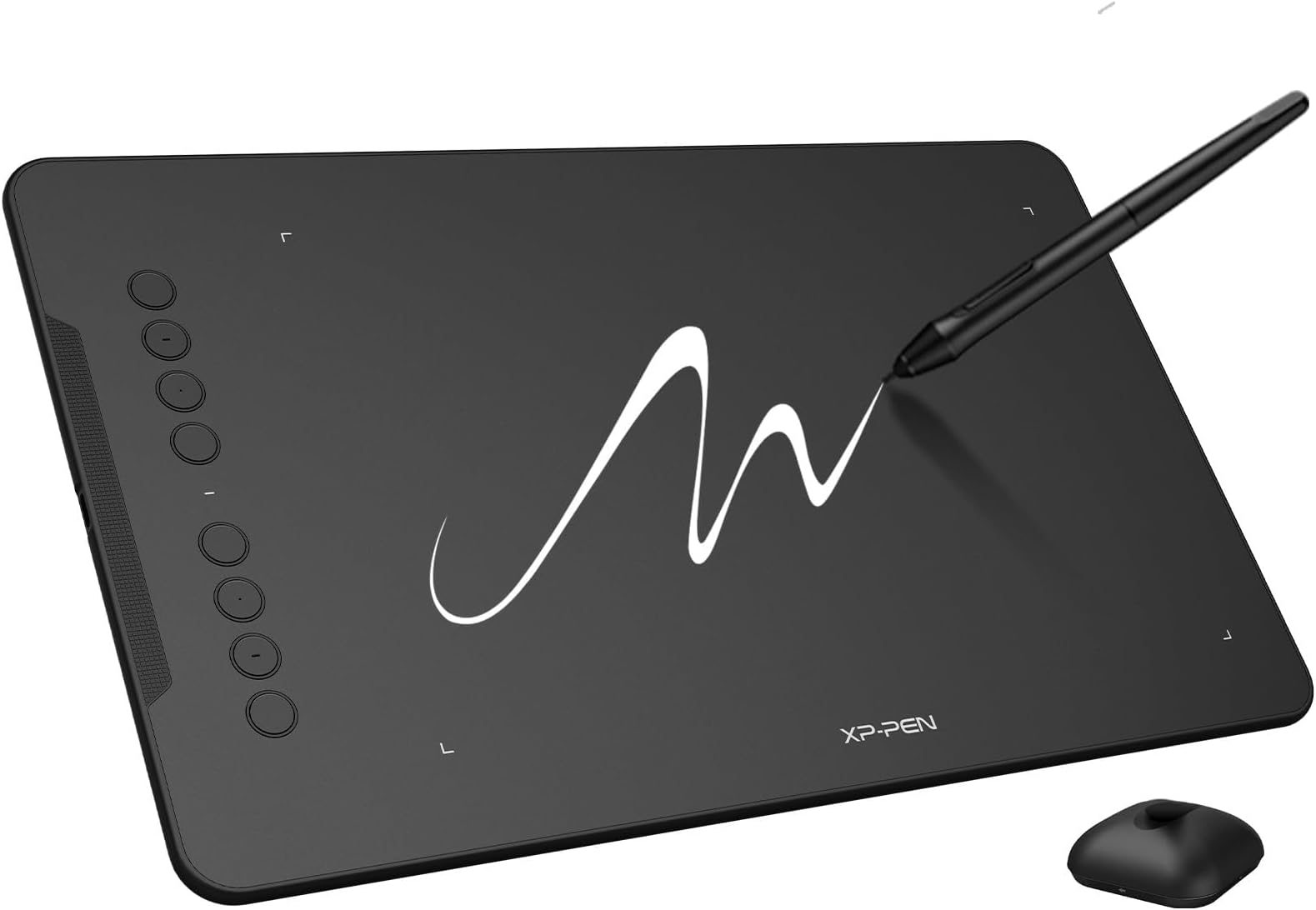
📷 Photo by amazon.in
Your ability to create art over a long career depends on the health of your hands. Treating your stylus like a precision instrument rather than a tool to be gripped with brute force is the hallmark of a professional. By combining ergonomic accessories, software calibration, and mindful movement, you can ensure that your passion for digital art remains a source of joy rather than physical pain.
📷 Photo by bestbuy.com