



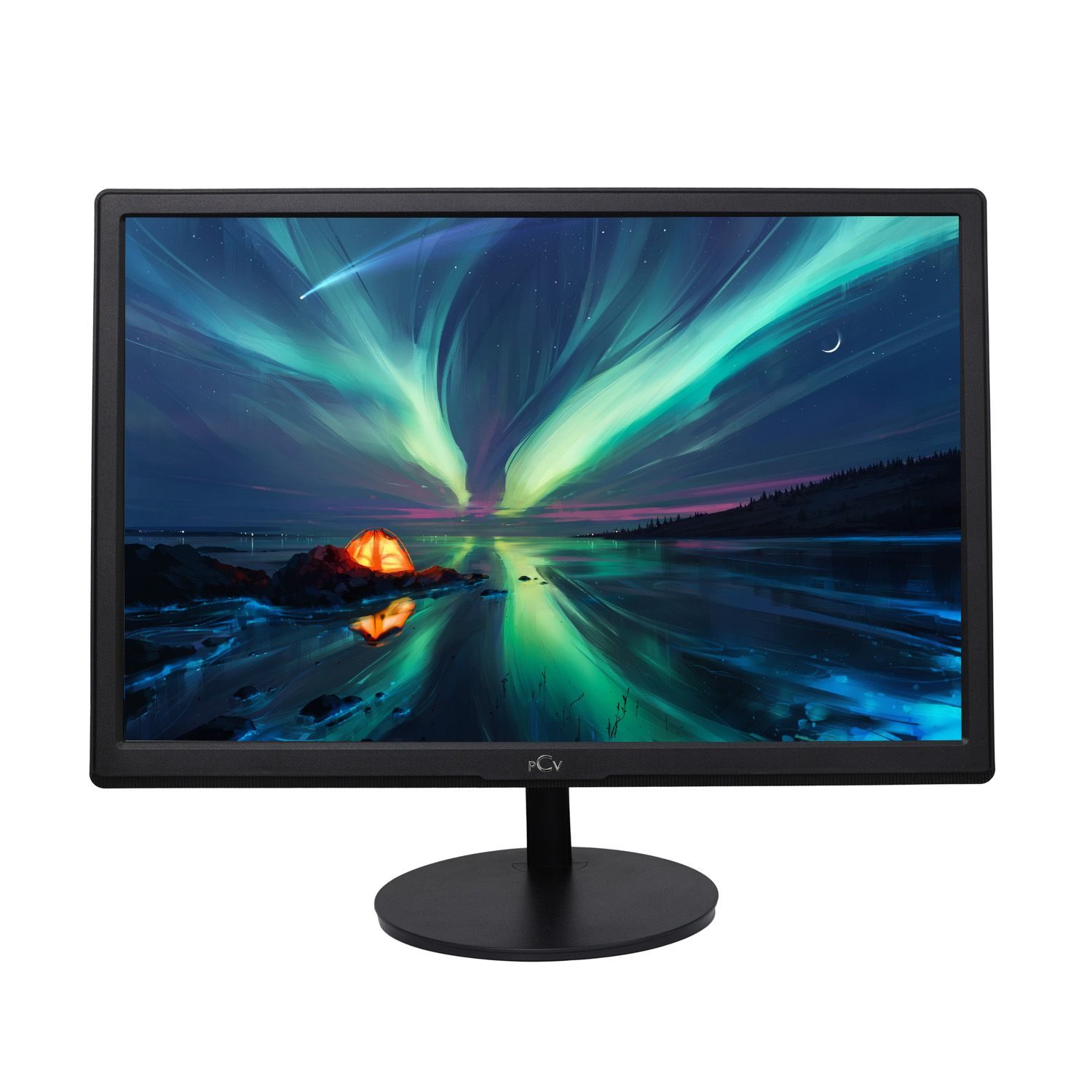
Innerspark.us – 10-bit color depth provides over 1.07 billion colors compared to the 16.7 million colors of 8-bit, effectively eliminating color banding in gradients and ensuring professional-grade color accuracy for digital artists.
Choosing the right monitor is a critical decision for digital artists, photographers, and video editors. While 8-bit panels have been the industry standard for years, the shift toward 10-bit color depth is becoming essential for high-end creative work. Understanding the difference between these two technologies is not just about technical specs; it is about how accurately your work is displayed to your clients and audience.
The Fundamental Difference: 8-Bit vs 10-Bit
Color depth, also known as bit depth, refers to the number of bits used to describe the color of a single pixel. An 8-bit monitor can display 256 shades of each primary color—red, green, and blue. When you multiply 256 by 256 by 256, you arrive at approximately 16.7 million possible colors. This is known as True Color.
A 10-bit monitor increases this to 1,024 shades per primary color. This leap results in over 1.07 billion colors. The most immediate visual difference is the smoothness of gradients. On an 8-bit screen, subtle transitions—like a sunset or a soft shadow—can result in visible bands of color, a phenomenon known as color banding. A 10-bit display renders these transitions seamlessly, as it has significantly more data to bridge the gap between two shades.
Why Digital Artists Need 10-Bit Color
For a digital painter or a professional retoucher, color accuracy is the backbone of the craft. If you are working in high-dynamic-range (HDR) workflows or dealing with complex color grading in video, 8-bit monitors often fall short. They force the software to use dithering—a process that approximates colors by rapidly flickering pixels—to simulate shades that the monitor cannot physically display. While modern dithering is sophisticated, it can still introduce noise or artifacts that are unacceptable in high-end print or broadcast production.
Furthermore, 10-bit color depth allows for a much wider color gamut support. When paired with a panel that covers 99% of Adobe RGB or DCI-P3 color spaces, 10-bit depth ensures that the colors you see on your screen are the colors that will appear in your final exported file. It removes the guesswork from your creative process.
Comparison Table: Display Specifications
| Feature | 8-Bit Monitor | 10-Bit Monitor |
|---|---|---|
| Color Variations | 16.7 Million | 1.07 Billion |
| Gradient Smoothness | Prone to Banding | Extremely Smooth |
| Primary Use Case | Standard Web/Office | Professional Design/HDR |
| Dithering Usage | Commonly Required | Rarely Required |
| Workflow Requirement | Standard sRGB | Adobe RGB / DCI-P3 |
The Hidden Requirements of 10-Bit Workflow
Moving to a 10-bit workflow is not as simple as plugging in a new monitor. Many users mistakenly believe that purchasing a 10-bit panel is enough. To actually see 10-bit depth, your entire pipeline must support it. This includes your operating system, your graphics card, your connection cable, and your creative software.
Most consumer-grade graphics cards, such as standard gaming cards, are often locked to 8-bit output in many applications. You may need a professional-grade GPU, such as those from the NVIDIA Quadro or AMD Radeon Pro lines, to fully enable 10-bit color output in applications like Adobe Photoshop or DaVinci Resolve. Additionally, ensure you are using DisplayPort or high-bandwidth HDMI cables, as older cables may not have the data throughput required for a 10-bit signal.
Steps to Enable 10-Bit Color on Your System
If you have confirmed that your hardware supports 10-bit color, follow these steps to ensure your system is configured correctly:
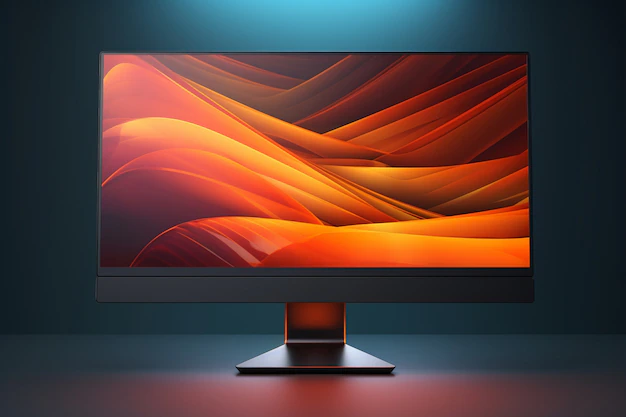
📷 Photo by freepik.com
Read also: Aluminum Artist Portfolio Case vs Nylon Bag: Durability Test
- Verify that your monitor is connected via DisplayPort 1.2 or higher, or HDMI 2.0 or higher.
- Open your graphics card control panel (e.g., NVIDIA Control Panel or AMD Software).
- Navigate to the “Display” or “Output” settings menu.
- Look for “Output Color Depth” and change the setting from 8-bpc (bits per channel) to 10-bpc.
- Launch your professional software (like Photoshop or Premiere Pro) and go to the “Preferences” or “Color Management” settings.
- Enable “30-bit Display” or “Deep Color” options within the software settings to ensure the application is communicating directly with the GPU for 10-bit rendering.
Common Mistakes and Risks
One common mistake artists make is assuming that “10-bit” always means native 10-bit. Many monitors on the market are actually “8-bit + FRC” (Frame Rate Control). FRC uses a form of temporal dithering to flicker pixels quickly to create the illusion of 10-bit color. While this is often indistinguishable from native 10-bit to the naked eye, it is not true 10-bit. If your work requires absolute precision for medical imaging or fine-art archival printing, look specifically for panels that support native 10-bit color depth.
Another risk is ignoring calibration. A 10-bit monitor provides the capability for more colors, but it does not guarantee that those colors are accurate. Always use a hardware colorimeter to calibrate your monitor at least once a month. A high-bit depth monitor that is poorly calibrated is less useful than a well-calibrated 8-bit monitor.
Frequently Asked Questions
Q: Will a 10-bit monitor make my games look better?
A: While 10-bit monitors offer better color, most games are rendered in 8-bit. You will only see a significant benefit if you are playing HDR-enabled games that support 10-bit output, which can significantly improve lighting and shadow detail.
Q: Do I need a 10-bit monitor if I only design for social media?
A: Generally, no. Most web browsers and social media platforms compress images and videos into 8-bit sRGB. For web-only content, a high-quality 8-bit monitor with excellent sRGB coverage is more than sufficient.
Q: Is 8-bit + FRC bad for professional work?
A: Not necessarily. 8-bit + FRC is the industry standard for most professional creative monitors. It is highly effective and significantly cheaper than native 10-bit panels, making it a perfectly viable choice for most graphic designers and video editors.
Investing in the right color depth depends on your specific output requirements. If your career involves color-critical work where gradients and subtle color shifts define the quality of the final product, the upgrade to 10-bit is a worthy investment that will pay dividends in your creative efficiency and the professional quality of your portfolio.
📷 Photo by yxjlc.socialcreeps.com