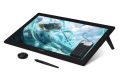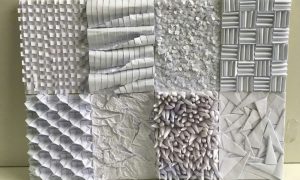

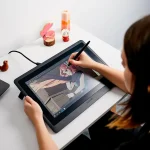


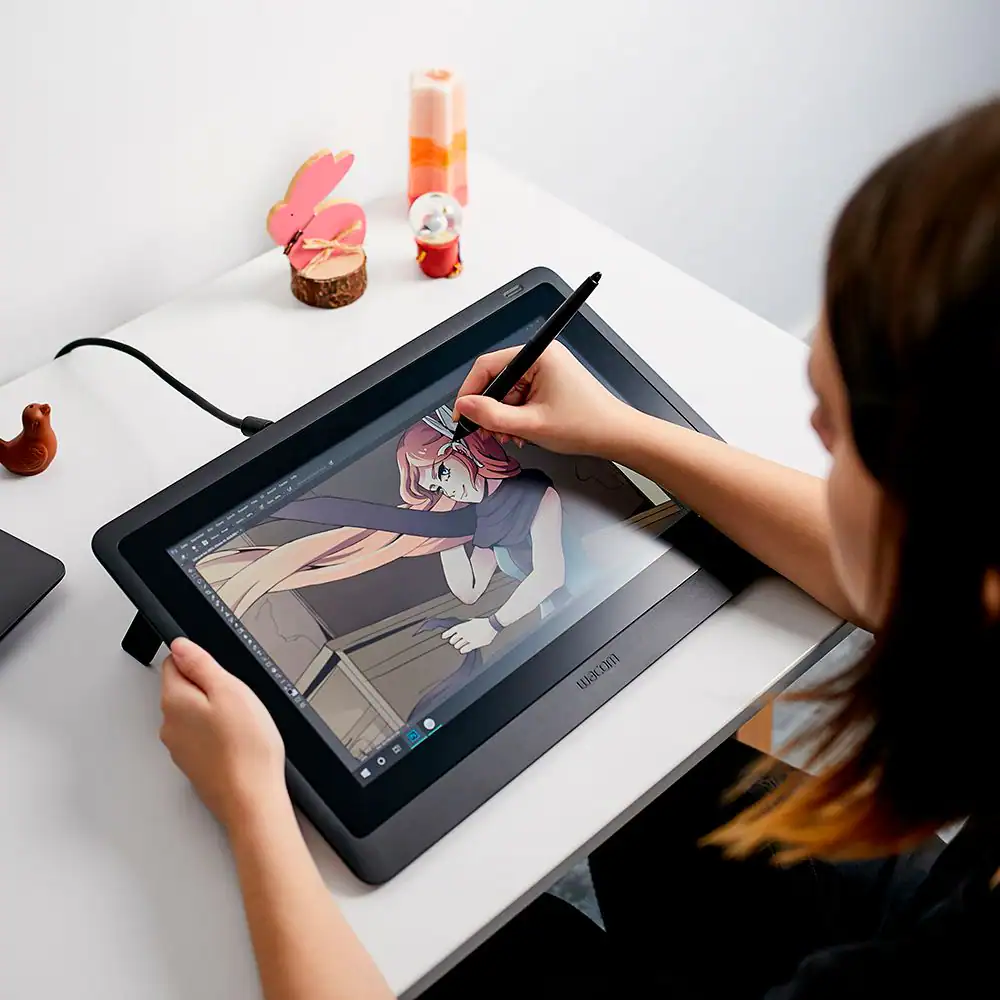
Innerspark.us – A matte paper-feel screen protector provides tactile friction for precise stylus control, while a tempered glass protector offers superior scratch resistance and glass-like clarity for digital artists.
Understanding the Core Differences
Choosing the right screen protector for a drawing tablet is a pivotal decision that directly impacts your workflow, artistic precision, and the longevity of your hardware. The two primary contenders in the market are matte paper-feel films and tempered glass protectors. Each serves a distinct purpose based on the artist’s priority: the tactile simulation of traditional media versus the protection and optical clarity of a high-end display.
Matte paper-feel protectors are engineered using specialized polymer films with a textured surface. This texture is designed to create microscopic resistance when your stylus tip moves across the surface. This mimics the drag you experience when using a graphite pencil or ink pen on physical paper. It is highly favored by illustrators who feel that drawing on a smooth glass screen is too slippery and leads to less consistent line work.
Tempered glass protectors, by contrast, are made from chemically reinforced glass. They provide a high level of impact resistance, guarding the tablet screen against accidental drops, keys, or heavy-handed stylus pressure. They are crystal clear, meaning they do not affect the color accuracy or sharpness of the display, but they offer zero friction. The surface is essentially identical to the tablet’s original screen, which can be a significant drawback for artists who prefer tactile feedback.
Comparison Table: Matte vs. Tempered Glass
| Feature | Matte Paper-Feel | Tempered Glass |
|---|---|---|
| Tactile Feedback | High (Paper-like friction) | Low (Smooth/Slippery) |
| Scratch Resistance | Moderate (Protects against stylus) | High (Protects against impact) |
| Optical Clarity | Slightly Diffused (Anti-glare) | Excellent (HD Transparency) |
| Stylus Tip Wear | High (Accelerated wear) | Minimal |
| Installation Difficulty | High (Bubble-prone) | Moderate |
The Impact on Stylus Tip Longevity
One of the most overlooked aspects of choosing a screen protector is the cost of maintenance. Matte paper-feel protectors act like a fine-grade sandpaper. Every time you draw, the friction that gives you control also grinds down your plastic stylus nibs. Artists who use matte protectors often find themselves replacing nibs every few weeks or months, depending on their drawing intensity.
Tempered glass is smooth and non-abrasive. Your nibs will last significantly longer, potentially for years, as there is no friction to wear them down. However, the trade-off is the lack of “bite” while sketching. If you are a digital painter who values fluid strokes and speed, glass might be preferable. If you are a line-art specialist who needs absolute control over every stroke, the cost of replacing nibs is a price you will likely be willing to pay for the matte experience.
Installation Guide for Perfection
Installing a screen protector on a large drawing tablet can be frustrating due to dust particles and alignment issues. Follow these steps to ensure a professional finish:
- Clean your workspace thoroughly to minimize floating dust, and turn off your tablet to easily see dust particles on the black screen.
- Use a microfiber cloth and 70% isopropyl alcohol to remove all oils and fingerprints from the glass surface.
- Use a dust-removal sticker or a piece of low-tack masking tape to lift any remaining invisible lint from the screen.
- Peel back only the first few inches of the protector’s adhesive backing to align it with the top edge of the tablet.
- Apply the protector slowly, using a plastic squeegee or a rigid card wrapped in a soft cloth to push out air bubbles as you move downward.
- If a bubble appears, gently lift the corner nearest to the bubble and re-apply, being careful not to touch the adhesive side with your fingers.
Common Mistakes and Practical Risks
A frequent error is applying a screen protector in a dusty room or with a ceiling fan running. Even a microscopic speck of dust will create a permanent bubble that cannot be removed. Another risk is ignoring the thickness of the protector; if you use a very thick tempered glass layer, it can introduce parallax, which is the perceived gap between your stylus tip and the digital ink on the screen. While modern tablets minimize this, a thick protector can exacerbate the issue.
Furthermore, be aware that matte protectors can slightly degrade the sharpness of your display. Because the surface is textured to diffuse light, you might notice a slight “grain” or sparkle, especially on high-resolution 4K displays. If you work in graphic design or color grading, this reduction in clarity might be detrimental to your professional output.
Choosing Based on Your Artistic Style
If you primarily work in 3D modeling, photo retouching, or general UI design, the tempered glass protector is usually the superior choice. It keeps your screen looking pristine and maintains the original color vibrancy. The lack of friction is rarely an issue for these tasks, as precision is often handled through software tools rather than freehand sketching.
For illustrators, animators, and digital sketchers, the matte paper-feel protector is almost always the standard. The ability to feel the surface allows for better muscle memory and more confident strokes. The “paper-feel” is not just a marketing term; it is a functional tool that changes the way your hand interacts with the digital canvas.
Frequently Asked Questions
Q: Will a matte screen protector make my tablet screen look blurry?
A: A matte protector slightly diffuses light to reduce glare, which can make the screen appear marginally less sharp or grainy compared to a bare glass screen, though most high-quality films minimize this effect.
Q: Can I use a tempered glass protector if I prefer the feel of paper?
A: You can, but you will not get the friction you desire. Some artists choose to use a specialized “felt” nib on their stylus to create a small amount of drag on the glass, but it is not a perfect substitute for a matte surface.
Q: How do I know when it is time to replace my screen protector?
A: You should replace it when the surface becomes visibly scratched, when the texture of a matte protector wears down to a smooth patch in the center, or when air bubbles become too distracting to work around.
📷 Photo by bestbuy.com